.png?width=180&height=32&name=NW%20Logo%20(2).png)
Issue
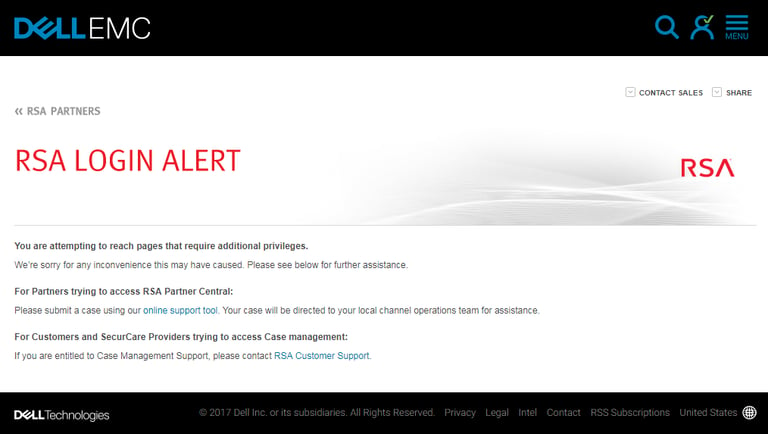
When attempting to log in to the RSA Partner Central portal, an "RSA LOGIN ALERT" screen is displayed with the following error:
You are attempting to reach pages that require additional privileges.
We’re sorry for any inconvenience this may have caused. Please see below for further assistance.
We’re sorry for any inconvenience this may have caused. Please see below for further assistance.
Resolution
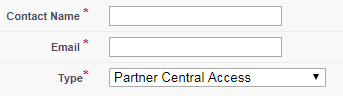
RSA partners that are unable to access RSA Partner Central must open a support ticket here: https://community.rsa.com/contact/partnersWhen filling out the form, the Partner Central Access option should be selected in the Type drop down.
Notes
RSA SecurCare Providers (SCP), Managed Security Service Providers (MSSP) and Managed Detection & Response (MDR) partners should refer to the knowledge article here: How to provide third party partner access (including RSA SecurCare Providers) to an RSA Link customer accountProduct Details
RSA Partners
Approval Reviewer Queue
Non-Product Approval Queue