.png?width=180&height=32&name=NW%20Logo%20(2).png)
Schedule a Chart View
In the Schedule a Chart View, you can enable or disable a chart.
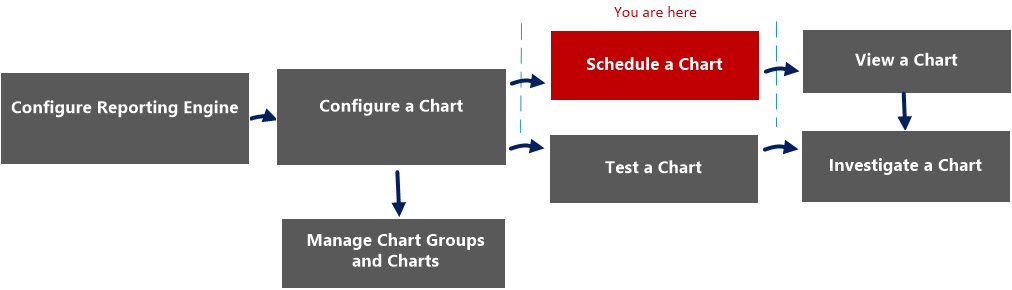
Workflow
What do you want to do?
*You can complete these tasks here.
Related Topics
Quick View
The following figure shows the Schedule a Chart view.
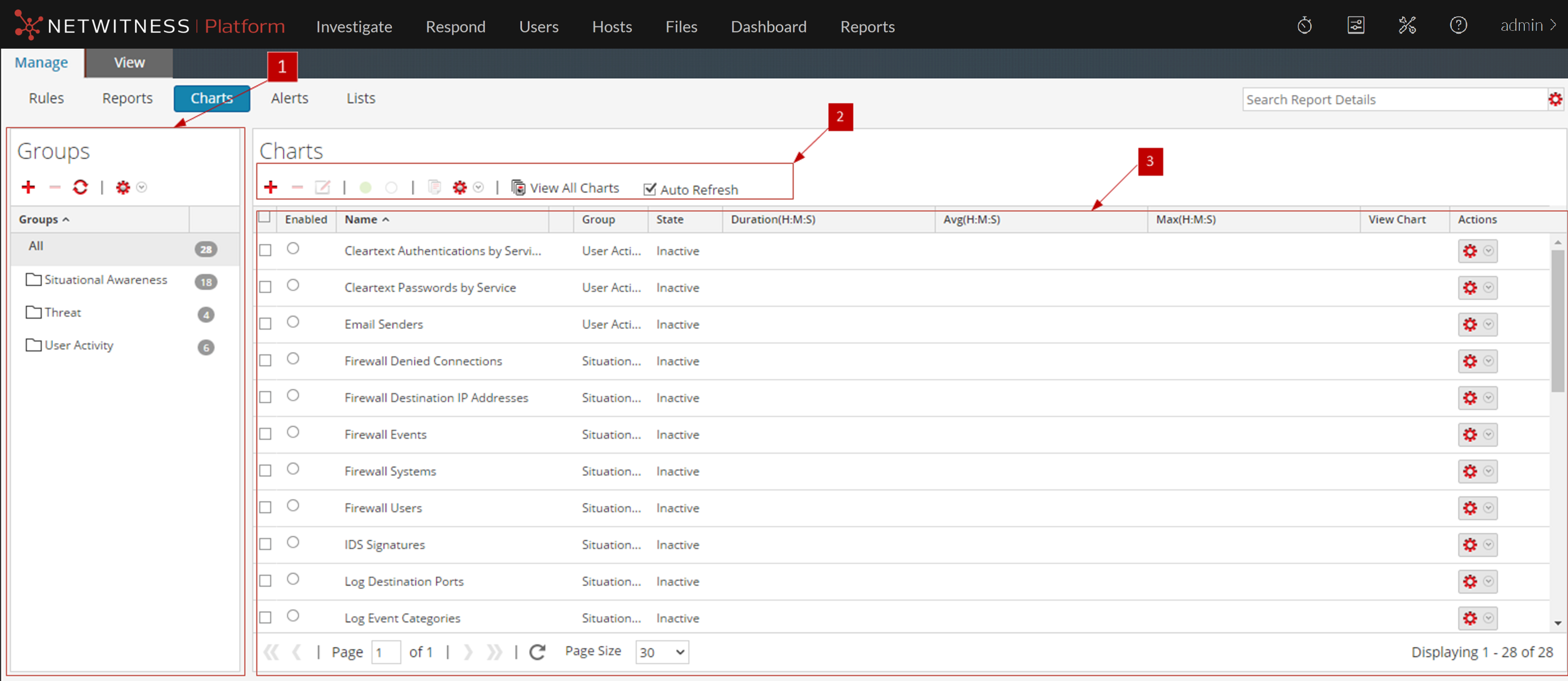
The Schedule a Chart view includes the following panels:
Charts Toolbar
The Charts toolbar allows you to add, modify, delete, duplicate, enable, disable, import and export a chart. You can also set access permissions for charts in a group.

The Charts toolbar includes the following options:
Charts Panel
The Charts Panel presents all the charts in a tabular or grid format.
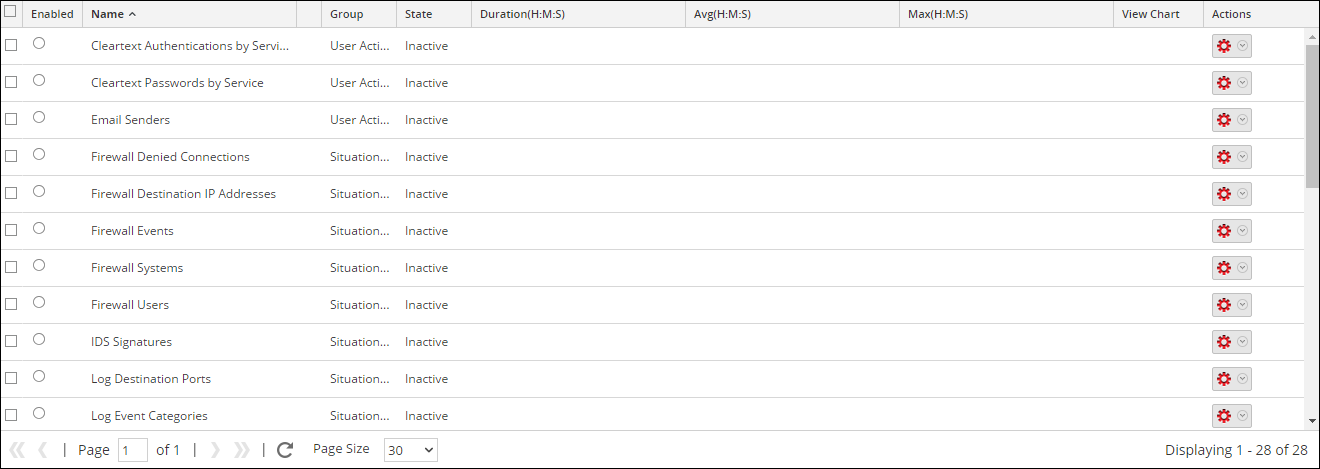
The following table lists the columns in the Charts panel and their description.