.png?width=180&height=32&name=NW%20Logo%20(2).png)
Servers Tab
Servers Tab describes the components of the Global Notifications > Servers tab. This tab enables you to configure notification servers. Global Notifications configurations define notifications settings for Event Source Management (ESM), Health and Wellness, Global Audit Logging, Event Stream Analysis (ESA), and Respond.
Configure Notification Servers in the Servers tab. On the Servers tab, add the servers from which you want to receive notifications from the system. For Global Audit Logging, define Log Decoders as Syslog Notification Servers.
Event Stream Analysis can send notifications to users through email, SNMP, or Syslog when an alert is triggered on the ESA service. These alert notification senders are called Notification Servers. You can configure multiple notification settings and use them while defining an ESA rule, for example, you can configure multiple mail servers or Syslog servers and use the settings while defining an ESA rule.
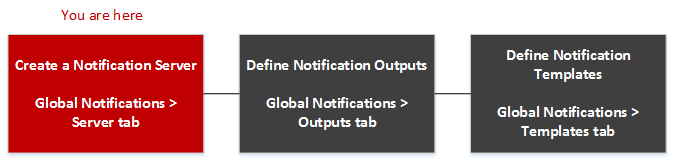
Workflow
The workflow shows the necessary procedures to configure and verify the Servers for Global Notifications. You can perform the following:
- Configure the Email settings as a notification server.
- Configure SNMP settings as a notification server.
- Configure Syslog settings as a notification server.
- Configure a Script as a notification server.
What do you want to do?
Related Topics
- Notification Servers Overview
- Configure the Email Settings as Notification Server
- Configure Script as a Notification Server
- Configure the SNMP Settings as Notification Server
- Configure a Syslog Notification Server
Quick Look
The following example illustrates Global Notification Servers configuration.
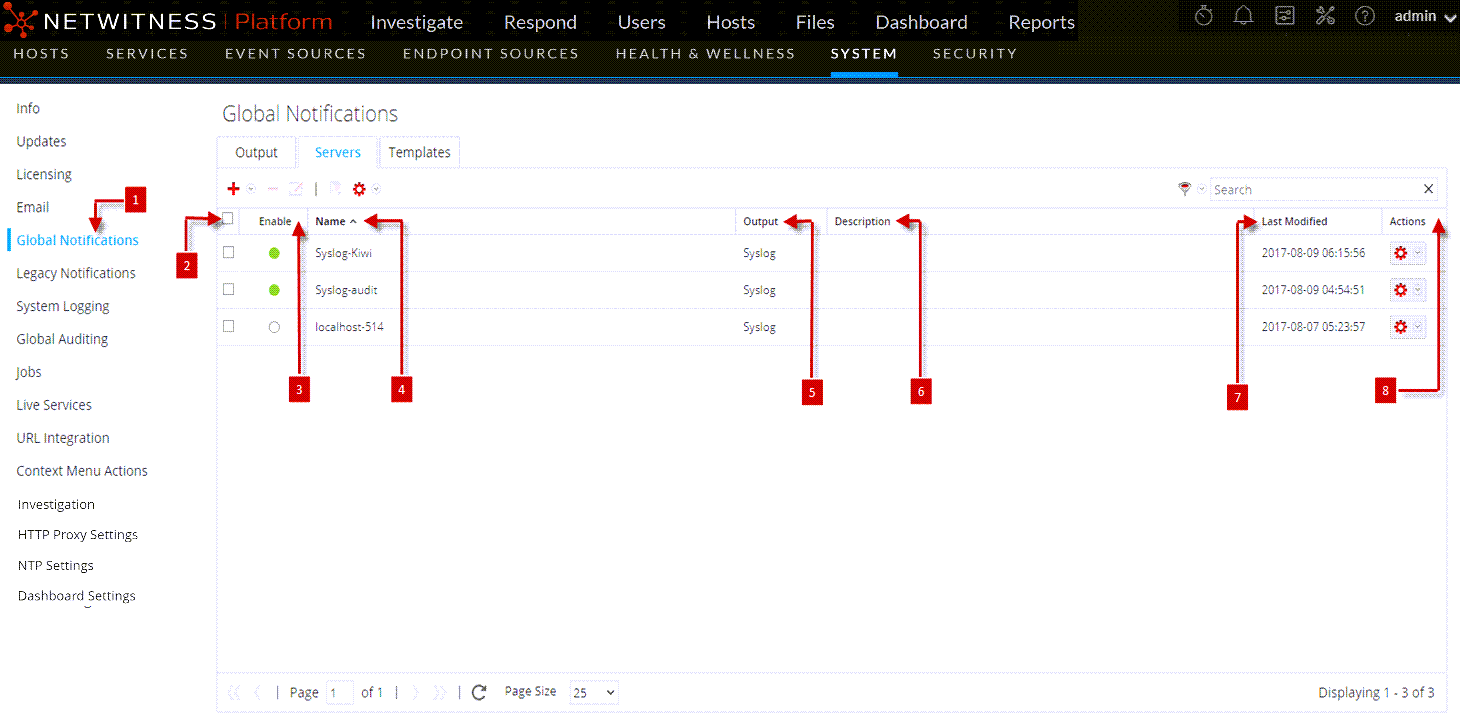
The Global Notifications panel toolbar is at the top of the Output tag and provides the following options:
