.png?width=180&height=32&name=NW%20Logo%20(2).png)
Services Config View - Data Retention SchedulerServices Config View - Data Retention Scheduler
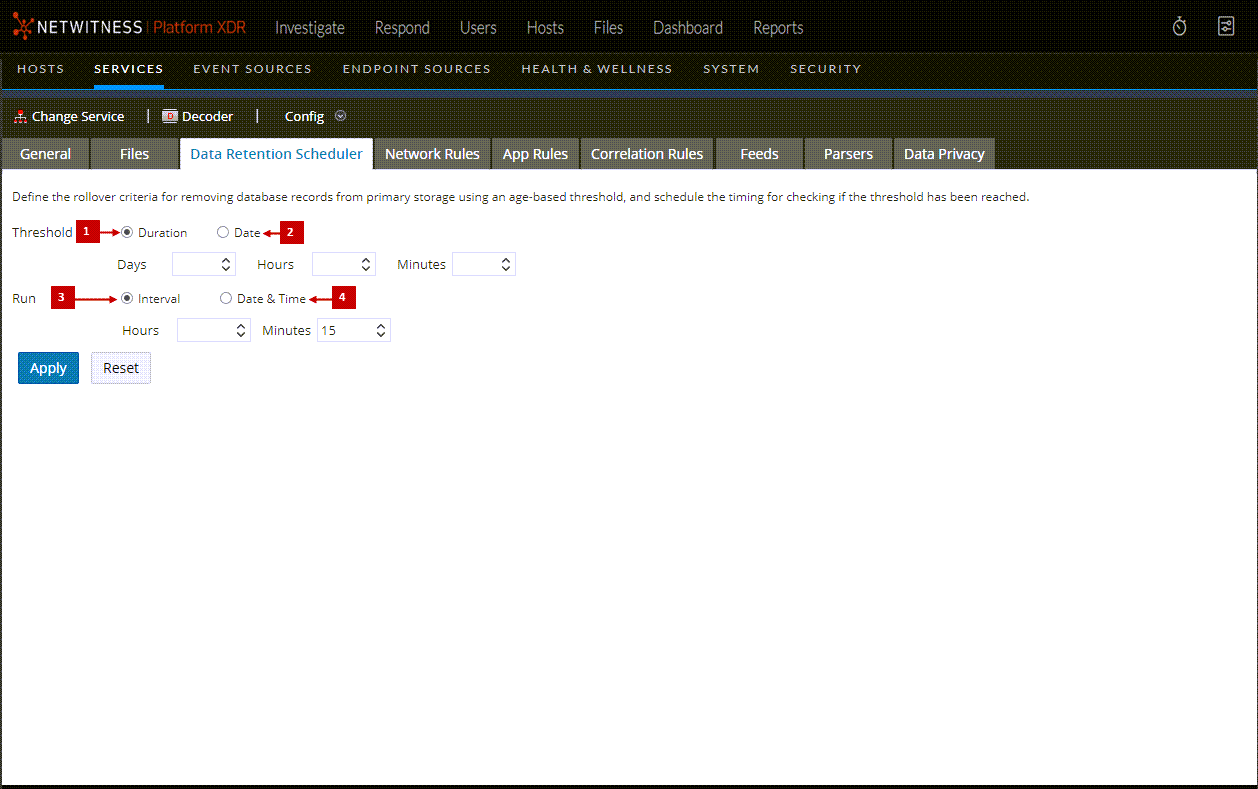
In the Data Retention Scheduler tab, you can set the rollover criteria for removing database records from primary storage using an age-based threshold. You can also schedule the timing to check whether the threshold is reached.
To access the Data Retention Scheduler tab, go to  (Admin) > Services > select a Decoder or Log Decoder service and click
  > View > Config > Data Retention tab.
What do you want to do?
Related Topics
Quick Look
This is an example of the Data Retention Scheduler tab.