.png?width=180&height=32&name=NW%20Logo%20(2).png)
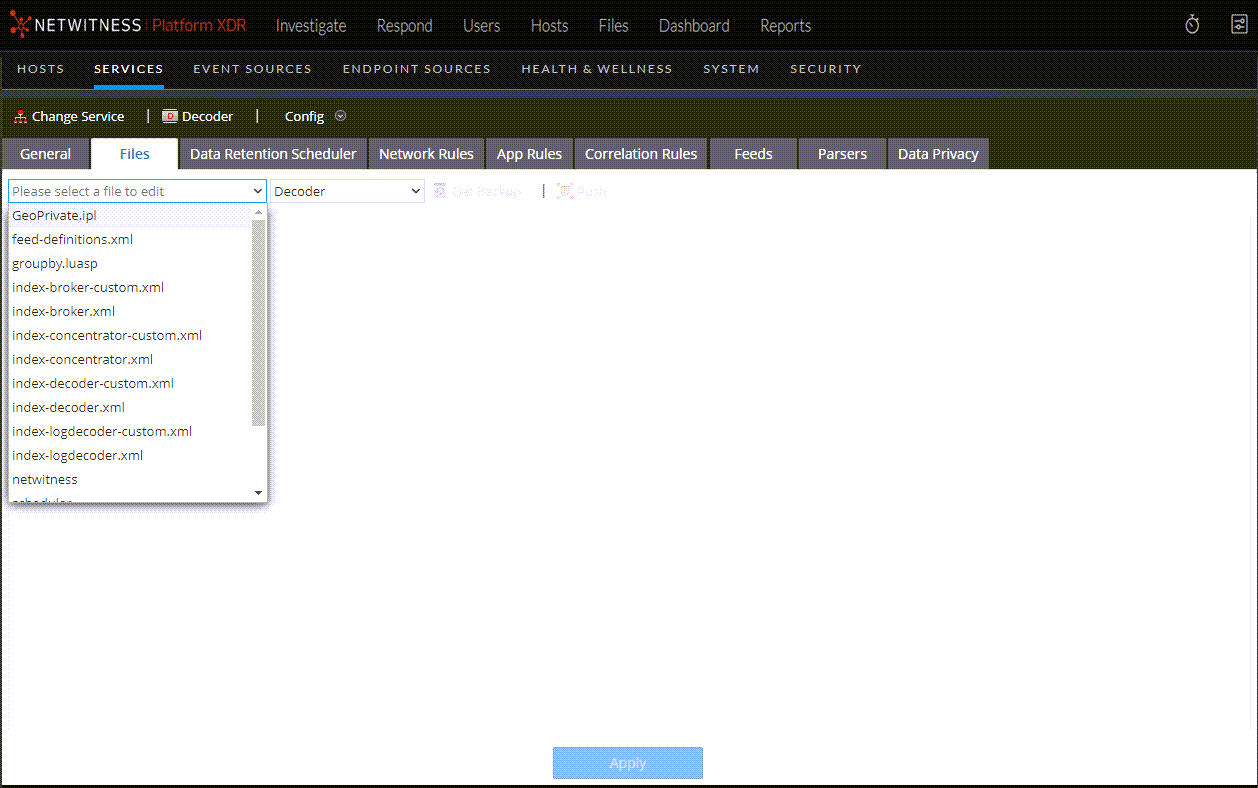
Services Config View - Files Tab
The Decoder and Log Decoder configuration files are visible and editable in the  (Admin) > Services > Config view > Files tab. "Edit Core Services Configuration Files" in the Hosts and Services Getting Started Guide provides general instructions for editing files. (Go to the NetWitness All Versions Documents page and find NetWitness Platform guides to troubleshoot issues.)
Like other Core services, both the Decoder and Log Decoder have an index file, and may also have a crashreporter, netwitness, and scheduler. The Decoder and Log Decoder index files are named index-decoder-custom.xml and index-logdecoder-custom.xml.
Note: Table-map.xml and table-map-custom.xml are available only for Log Decoders with log content installed.
What do you want to do?
Related Topics
Quick Look