.png?width=180&height=32&name=NW%20Logo%20(2).png)
Services Explore View - Properties Dialog
You can use the Services Explore view > Properties dialog to perform the following tasks.
- Send messages to a system node
- Retrieve values for a property for multiple services
- Set values for a property for multiple services
Right-click any file in the Node list or Monitor panel to display the Properties context menu.
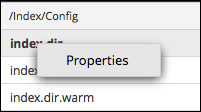
When you select Properties from the Node list or Monitor panel context menu, the Properties dialog opens below the Monitor panel. All nodes have support help that contains the following information.
- A description of the node
- The list of supported messages with a corresponding description
- Security roles needed to access the messages
The available messages vary according to the service and root folder. Many of these messages are also accessible as options with a NetWitness dashboard or view.
Workflow
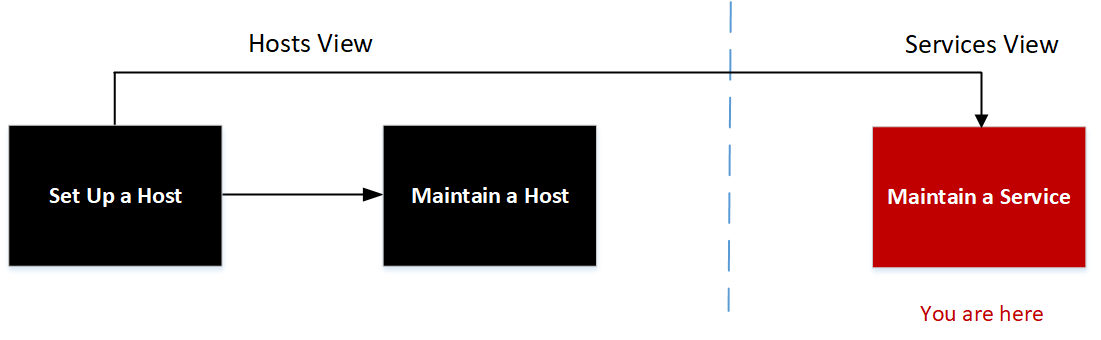
What do you want to do?
* You can perform these tasks in the current view.
Related Topics
The following example shows the Properties dialog with information in Message Help displayed.
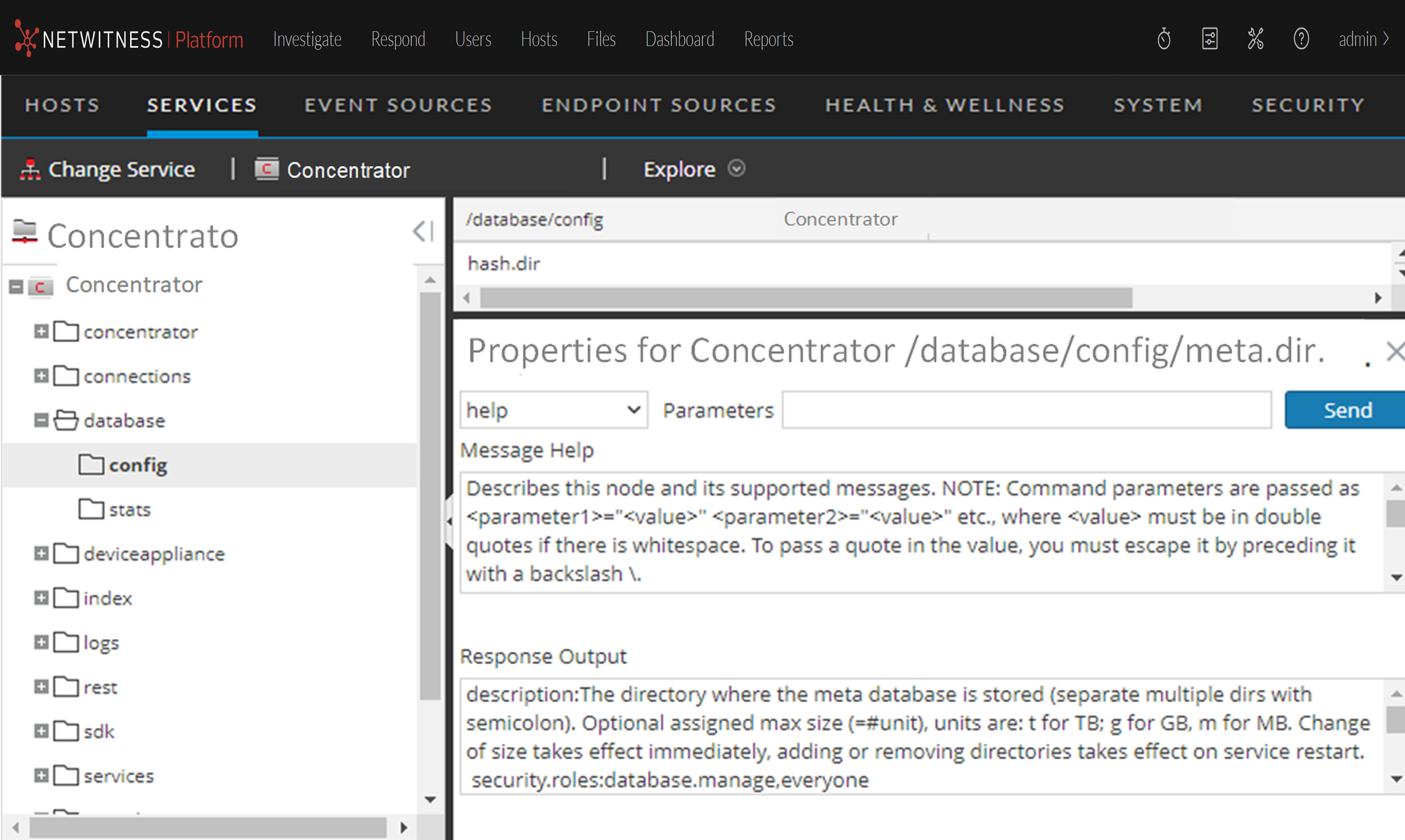
The Properties dialog has the following features.