.png?width=180&height=32&name=NW%20Logo%20(2).png)
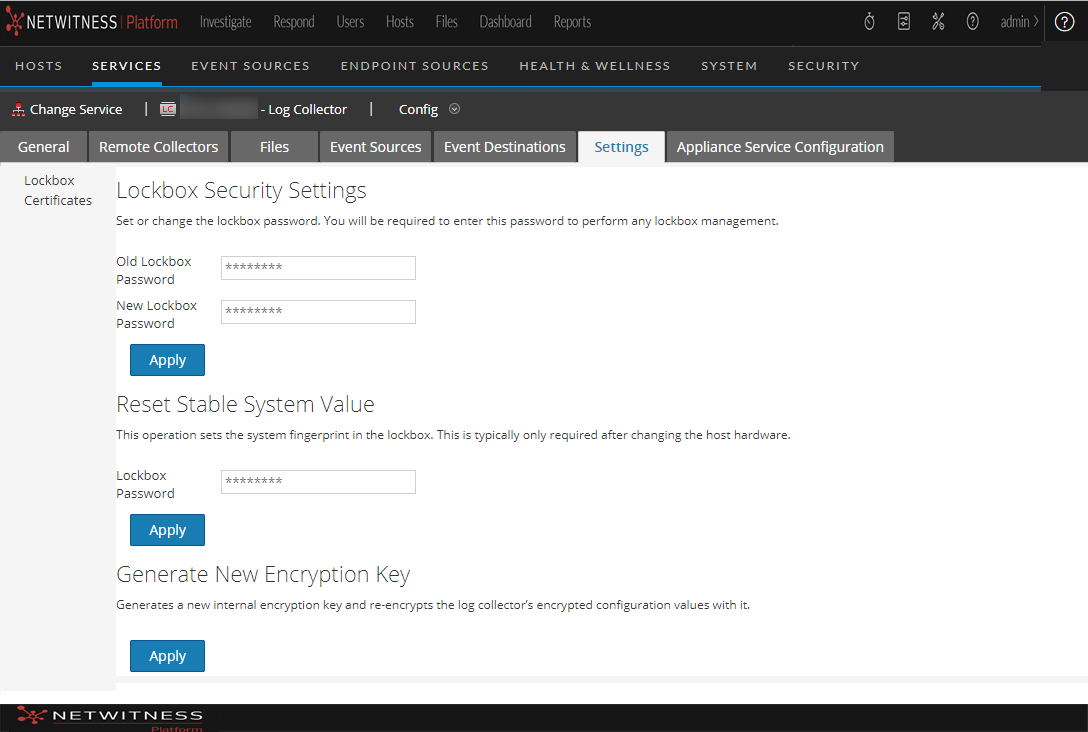
Log Collection Settings Tab
Use the Settings tab to:
- Set up a lockbox
- Reset Stable System value
- Manage certificates
Caution: If the host name on which the Log Collector is installed is changed after installation, the Log Collector will fail to collect events from event sources. You must reset stable system values if the hostname changes.
To access the Log Collection Settings Tab, go to  (Admin) > Services. In the Services grid, select a Log Collector Service. Click Actions menu cropped under Actions and select View > Config.
Workflow
This workflow illustrates the basic tasks needed to start collecting events through Log Collection.

What do you want to do?
*You can perform this task here.
Related Topics
- See the "Create an Identity Feed topic" in the Live Resource Management Guide.
Quick Look
This is an example of the Settings tab.