.png?width=180&height=32&name=NW%20Logo%20(2).png)
System View - System Info PanelSystem View - System Info Panel
This topic describes the System Information panel, which displays information about the system version and license status.
The required role to access this view is Manage System Settings.
To access this view, do one of the following:
- Go to
 (Admin) > System.
The System Information panel is displayed by default. - When you receive a notification that a new version of NetWitness is available in the Notifications tray, click View.
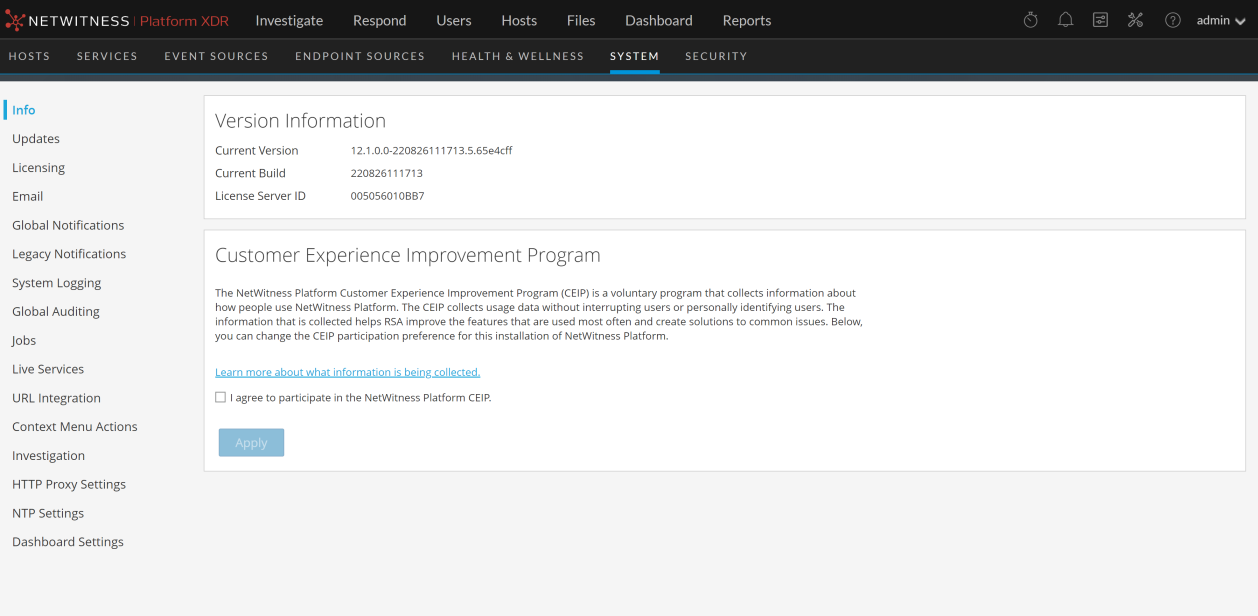
The Version Information section displays version information about the version of NetWitness that is currently installed. The following table describes the features of the Version Information section.