.png?width=180&height=32&name=NW%20Logo%20(2).png)
Issue
The customer doesn't see the Users tab content in NetWitness Graphical User Interface.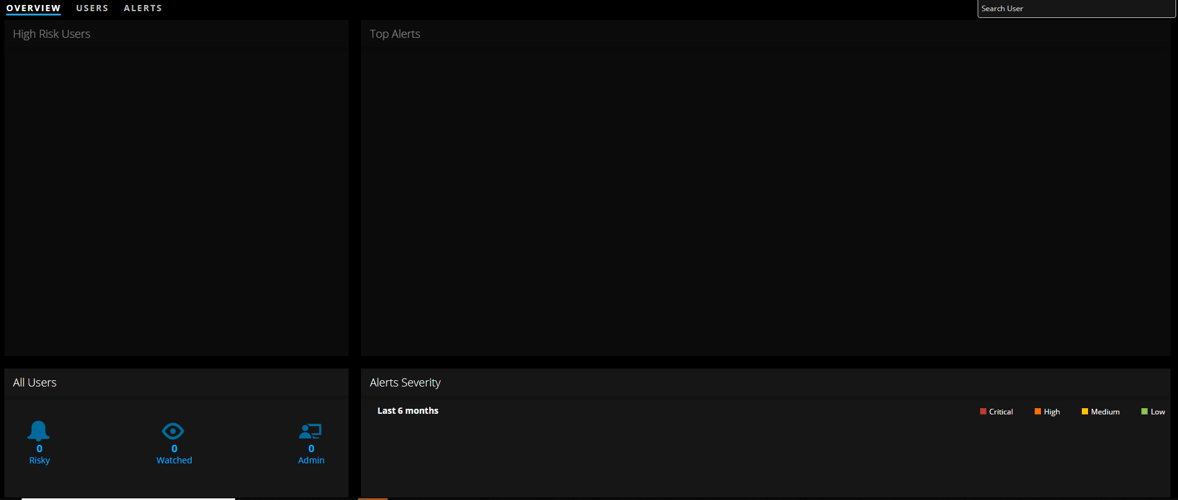
Cause
The root cause is the elasticsearch service on the UEBA server being down.Indications:
- In the UEBA server kibana view, there will be the error as seen below

- SSH to the ueba server and check the elasticsearch service status: The elasticsearch service will be in 'failed' state

Workaround
SSH to the User And Analytics Analysis (UEBA) server and perform the following commands:- Modify elasticsearch memory configuration:
vi /etc/elasticsearch/jvm.options
# Update the memory to be 6GB (in case it is not the values)
-Xms6g
-Xmx6g - configure automatic recovery on failure:
'systemctl edit elasticsearch.service' - this command will create the file /etc/systemd/system/elasticsearch.service.d/override.conf - Add your customization:
[Service]
Restart=on-failure
RestartSec=5s - Run the command 'systemctl daemon-reload' to refresh the unit files.
- Check if the modifications are implemented using the command 'systemctl cat elasticsearch.service'
- Restart elastic search service: 'systemctl restart elasticsearch'
- Verify in Kibana the elasticsearch error disappeared
- Verify in the NetWitness GUI that the users' info is available again
Resolution
Fixed in RSA NetWitness version 11.3
Product Details
RSA Product Set: NetWitness PlatformRSA Product/Service Type: Security Analytics Server
RSA Version/Condition: 11.2.0.1, 11.2.1
Summary
In the NetWitness Graphical USer Interface, the investigate->users tab doesn't show any data.
Approval Reviewer Queue
RSA NetWitness Suite Approval Queue