.png?width=180&height=32&name=NW%20Logo%20(2).png)
View Alerts Schedule ViewView Alerts Schedule View
In the View Alerts Schedule view, you can view the following information about each of your scheduled alerts.
- Completion status, name, last run time, last session ID, total alerts triggered.
- Statistics about the time taken to run the scheduled alert: duration, average duration, maximum duration.
Note: You can also disable the scheduled alerts.
Workflow
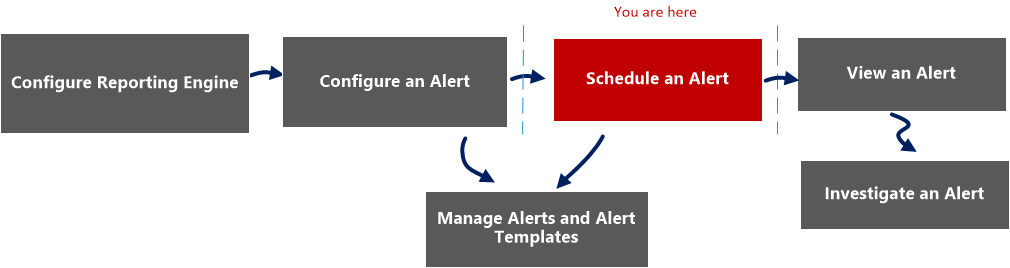
What do you want to do?
*You can complete these tasks here.
Related Topics
Quick View
The following figure is an example with the important features labeled.


The View Alerts Schedule view includes the following panels:
- Alerts Schedule toolbar
- Alerts Schedule list
Alert Schedule Toolbar
The Alerts Schedule Toolbar panel allows you to modify the state of the scheduled alert.
Alert Schedule List Panel
The Alerts Schedule List panel lists only the Enabled alerts in a tabular format. The following table lists the columns in the Alerts Schedule List panel and their description.