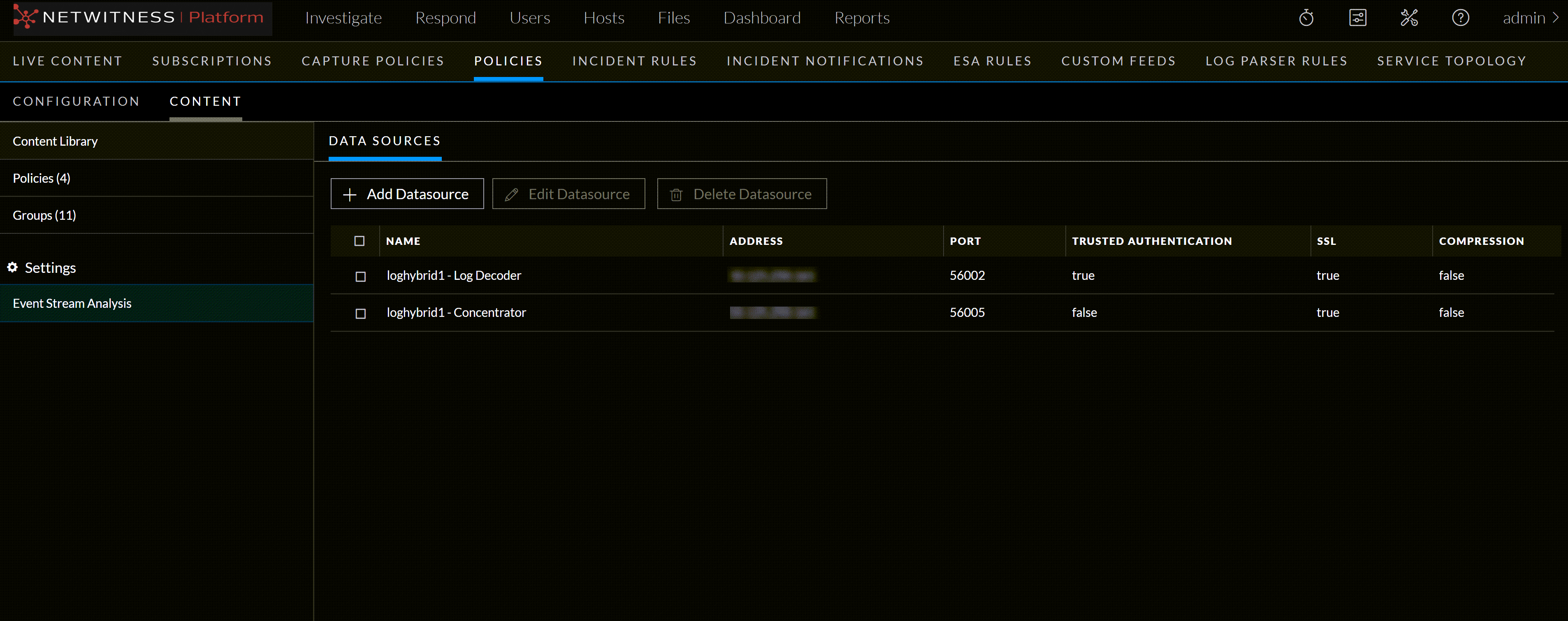
April 27, 2026 View an ESA Datasource View an ESA Datasource This topic describes the steps to view the ESA datsources available. To view an ESA Datasource Go to (CONFIGURE) > Policies. In the policies panel, click Content. Under Settings, click Event Stream Analysis > Data Sources. The available datasources are displayed.
.png?width=180&height=32&name=NW%20Logo%20(2).png)
 (CONFIGURE) > Policies.