
There are many techniques for hunting for advanced threats. One of my favourites is reviewing outbound traffic to countries where you would not expect to see normal business traffic. On a recent engagement with a customer, I was examining traffic to the Russian Federation, where I pivoted on traffic that had a POST action:
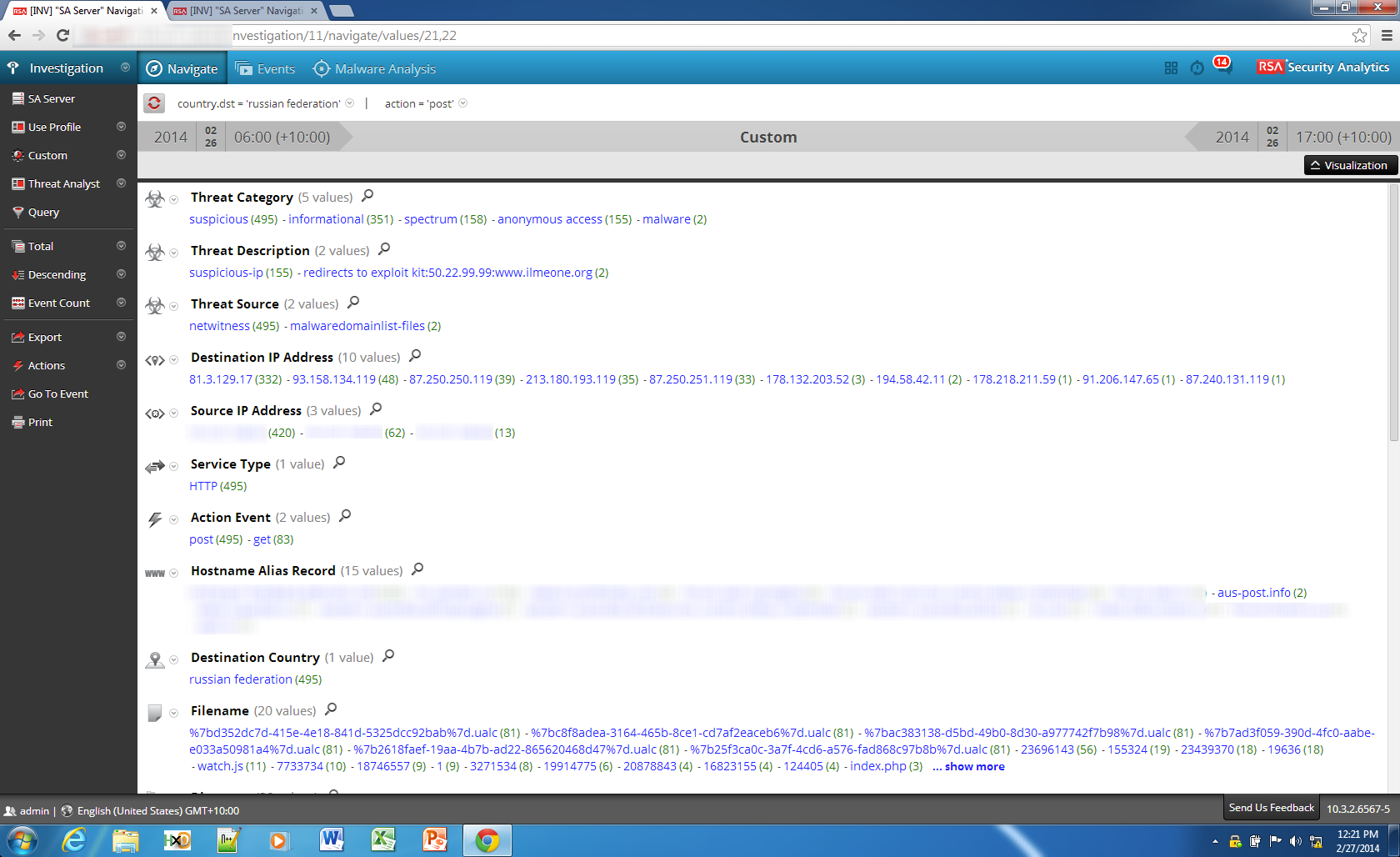
Looking through the hostnames associated with this traffic, I saw an interesting hostname: aus-post.info.
This hostname appears to be an attempt to look like the legitimate site of Australia Post - the national postal service of Australia.
I thought it would be strange for Australia Post (auspost.com.au) to outsource their parcel tracking system to a site in Russia, so did some further digging. Viewing the session details I could see a zip file being transferred as part of the session:
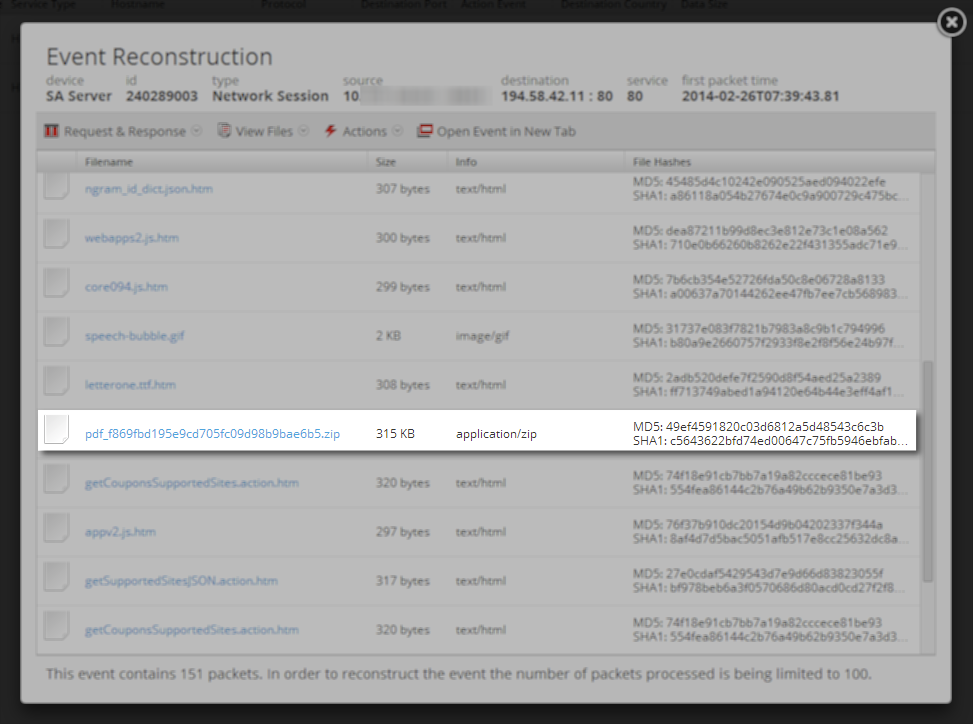
This piqued my interest – why would there be a download of a zip file from what looked to be a parcel tracking website?
To find out more about this website and what appeared to be a malware dropper, I loaded the URL into the ThreatGrid portal to do some dynamic analysis in a safe environment using the ThreatGrid Glovebox.
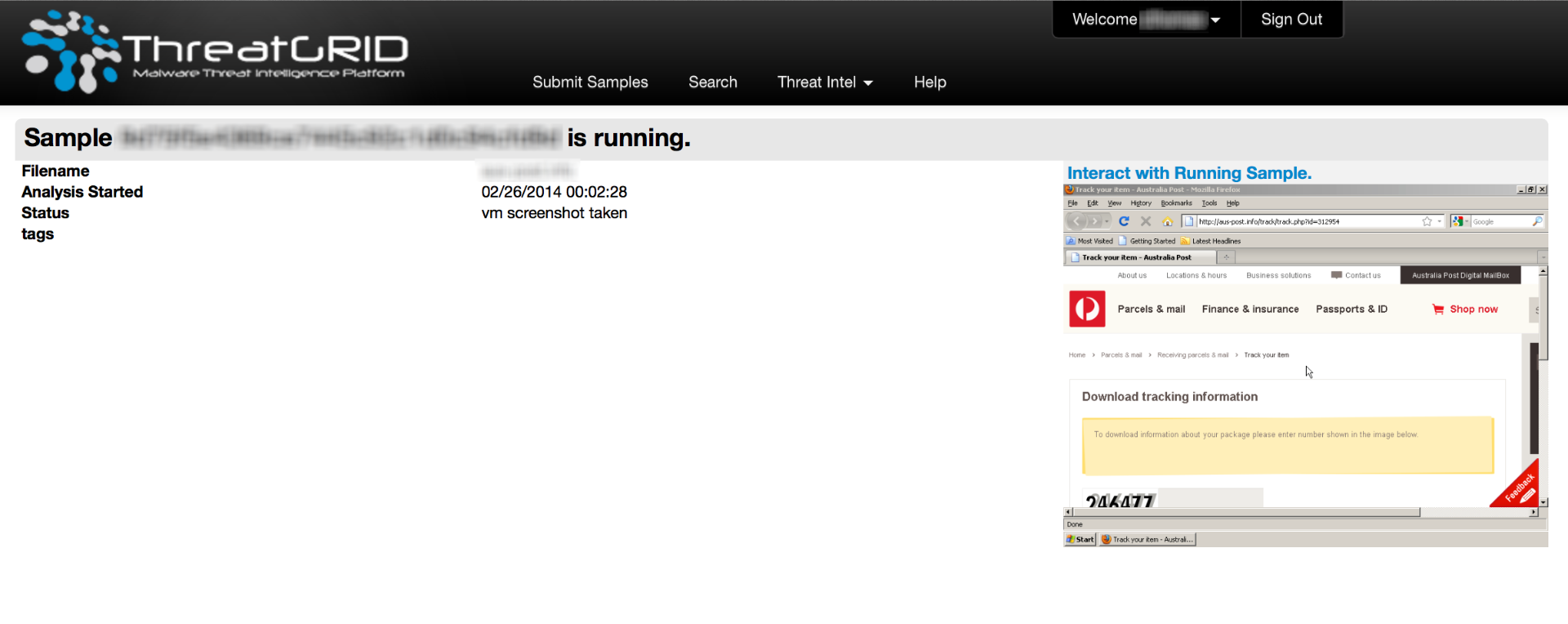 A fairly legitimate looking site using a CAPTCHA test (albeit very weak), got loaded into the browser - waiting for input.
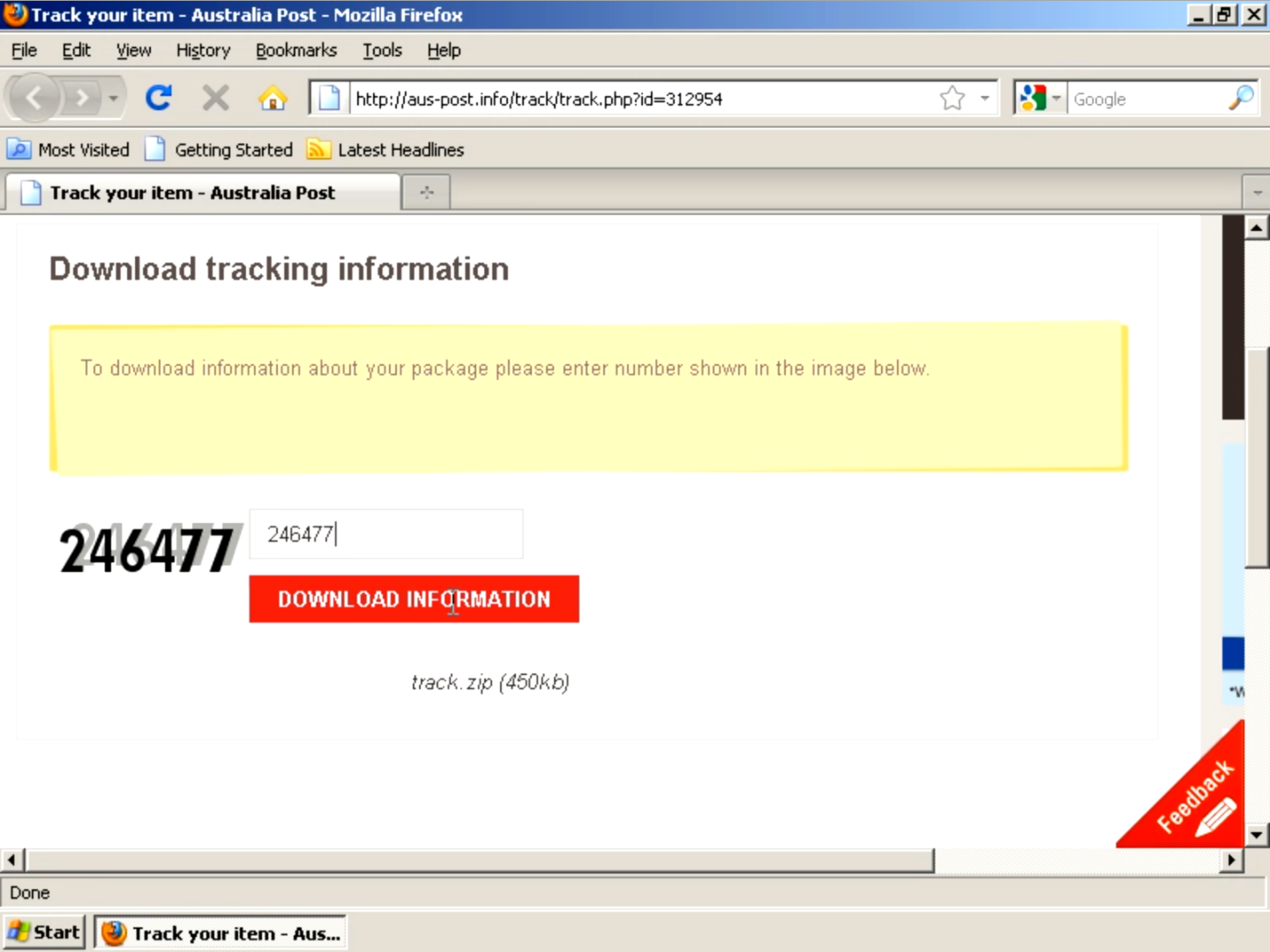
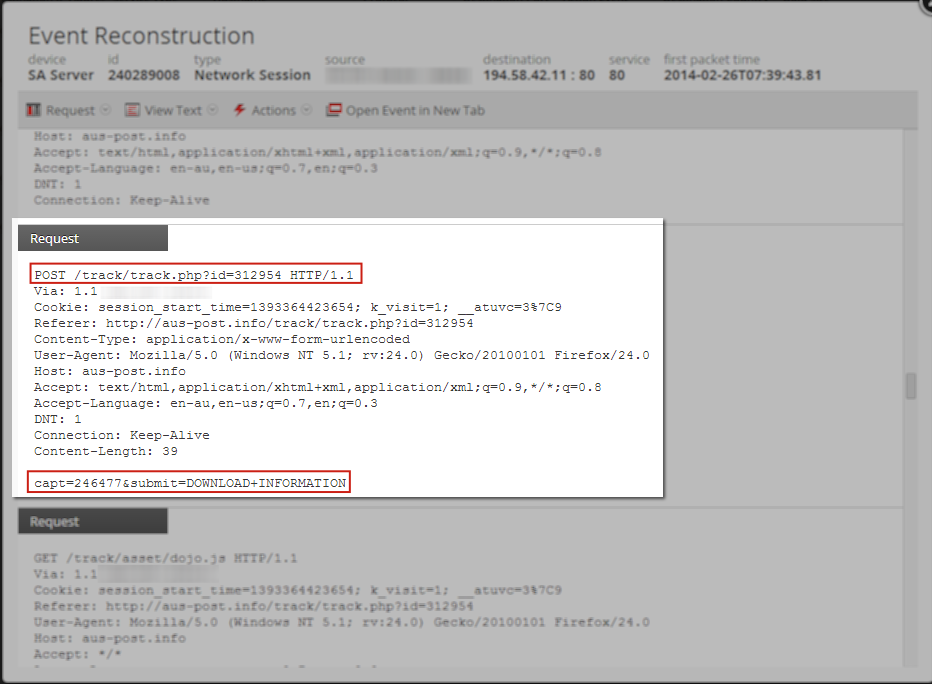
Looking at the sessions in my live customer environment I could confirm that the user did in fact enter the code on the website:
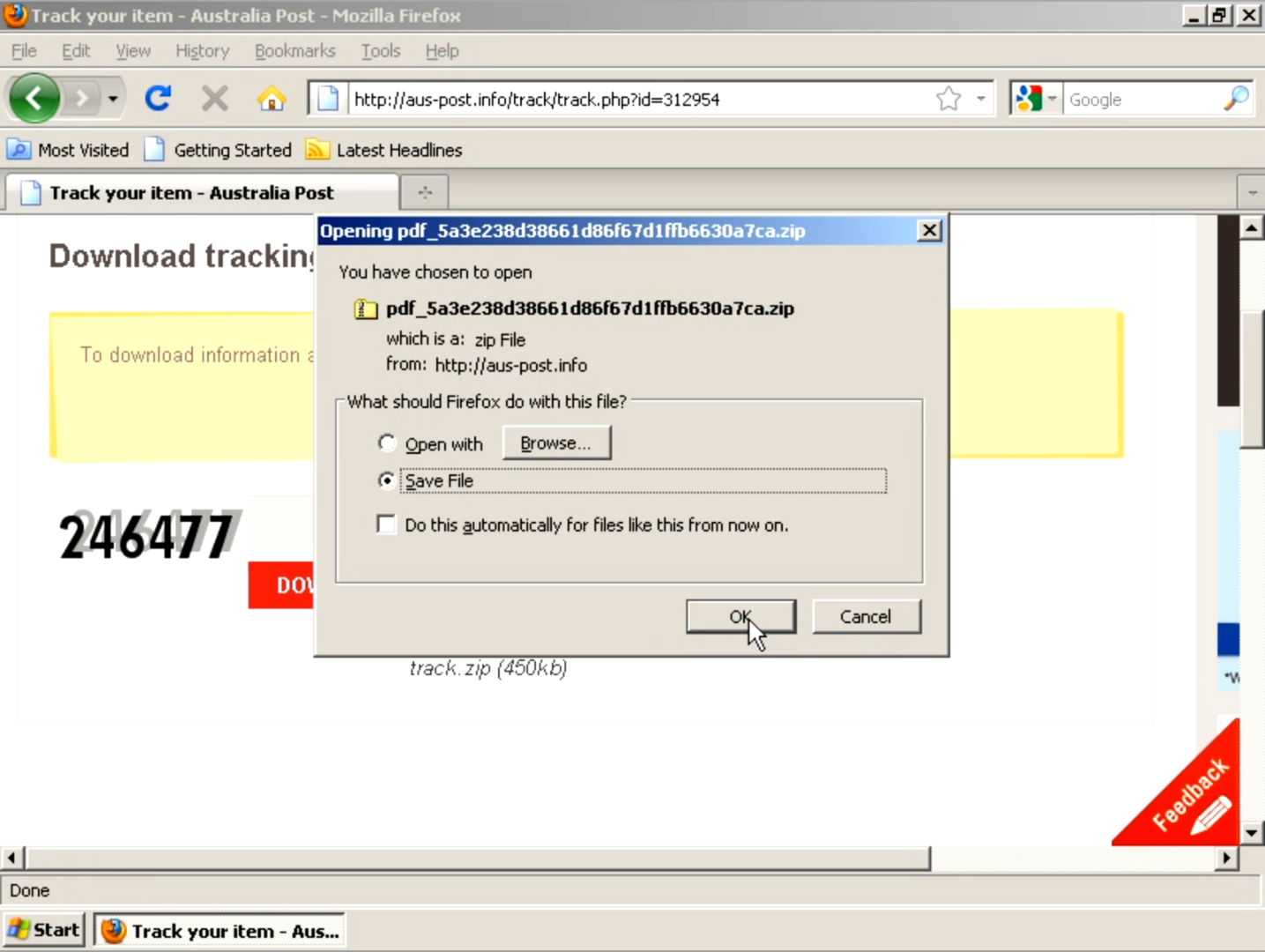
After I replicated the CAPTCHA entry within the ThreatGrid system, my download began.
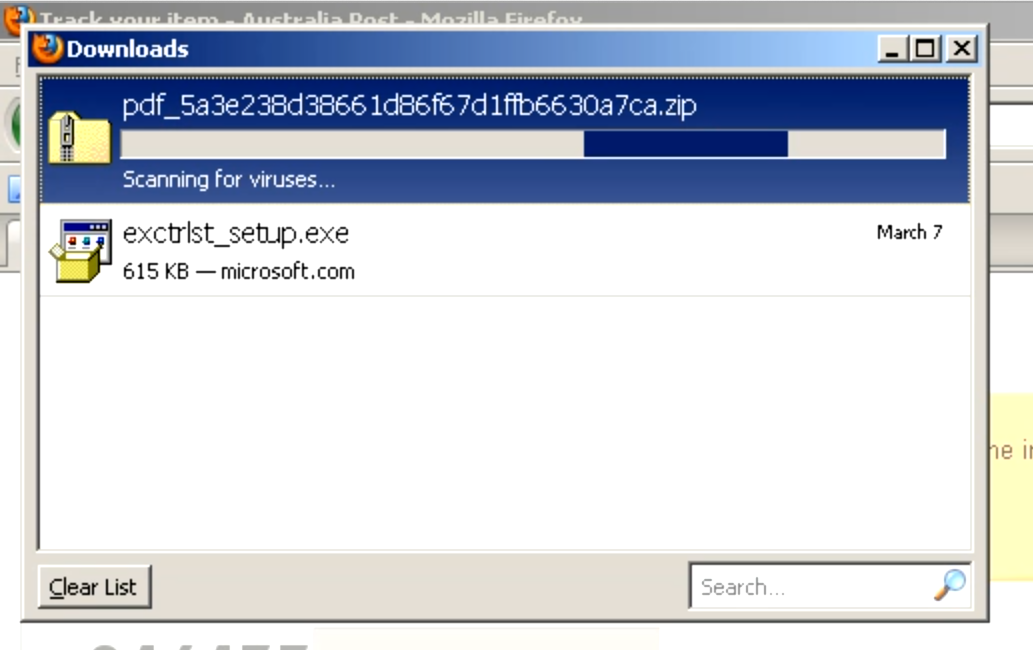
Firefox checks the file for viruses 
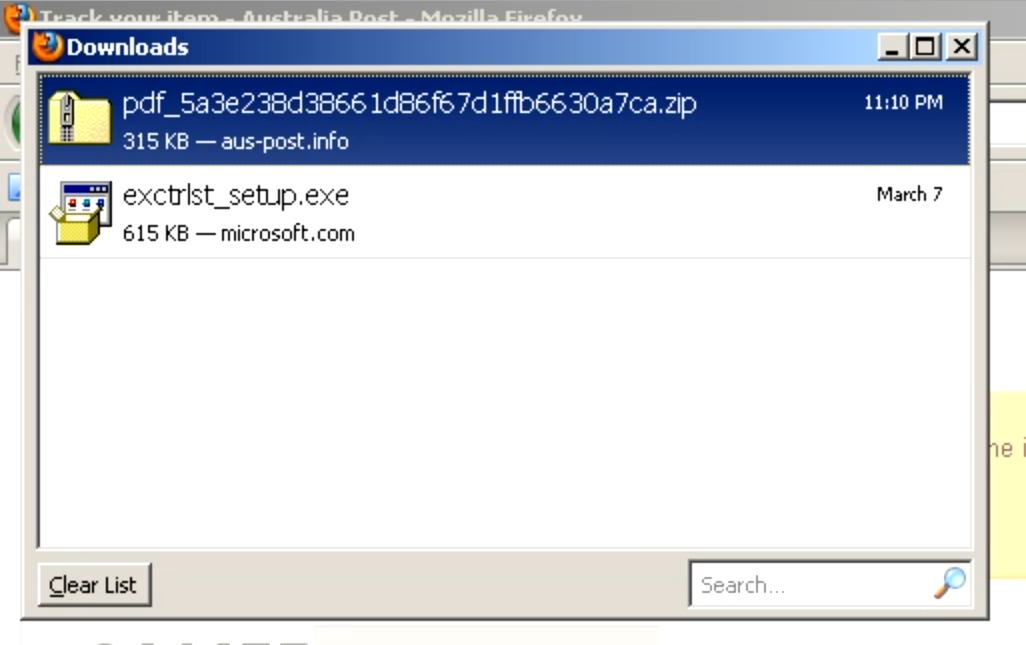
All good!
Opening the zip had a single file: Information.exe
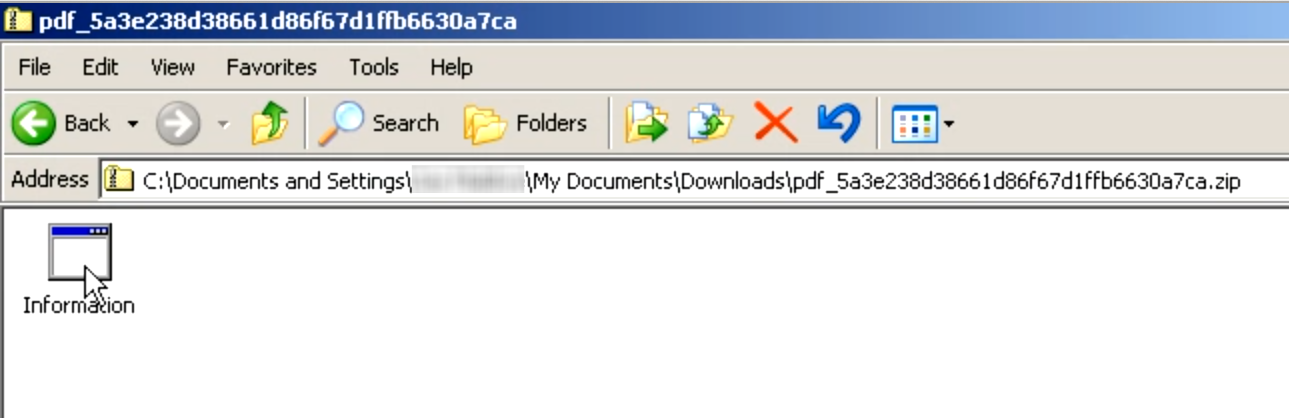
On the glovebox system within ThreatGrid, the file had a regular application icon, on my desktop however it had a different looking icon:
As per usual, the exe does nothing exciting when it executes … just the hourglass.
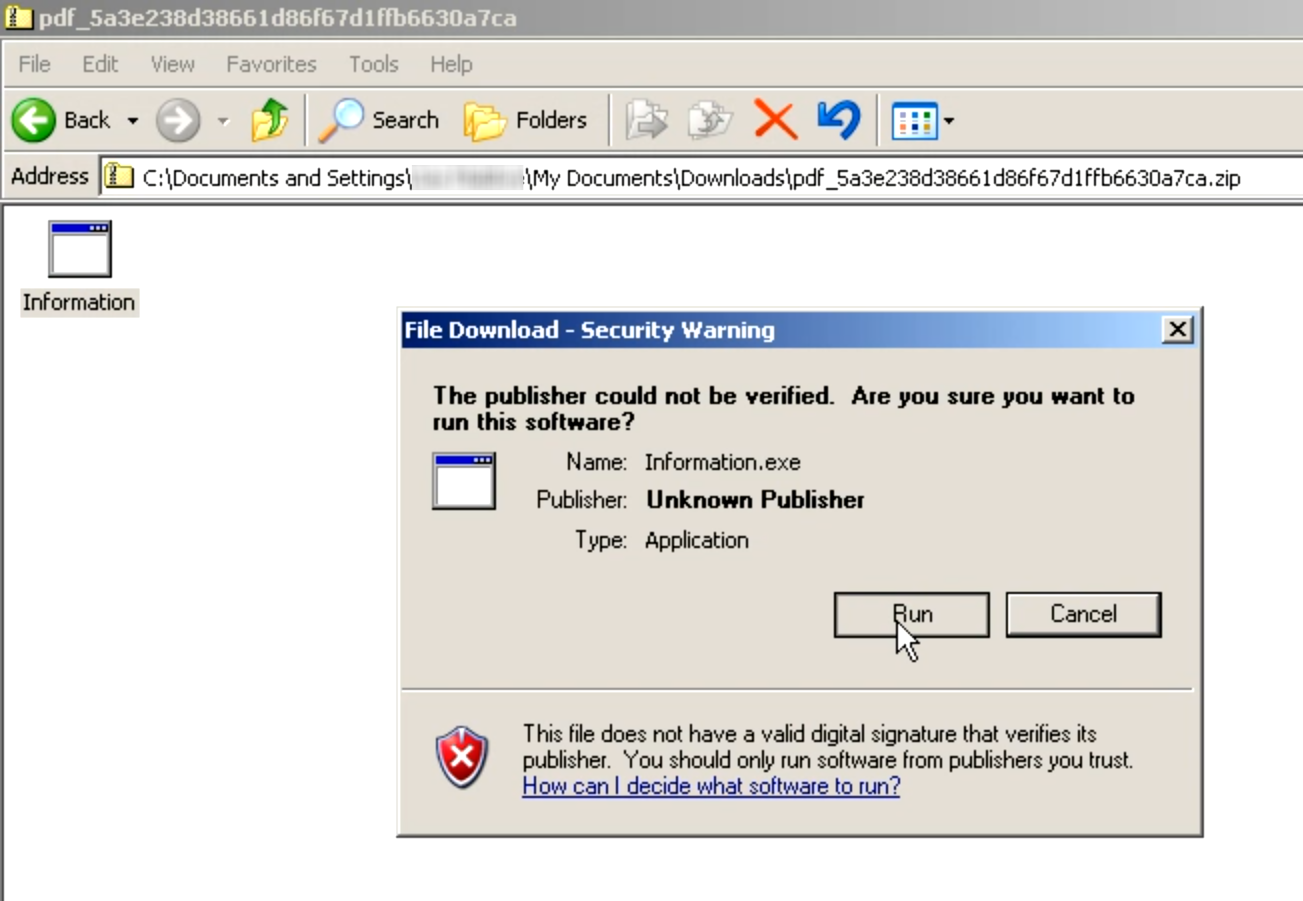
According to the ThreatGrid report, the malware installs in the background, and then downloads images and other files from a remote website. In addition, the IP address 178.89.191.130 is used for probable command and control over SSL.
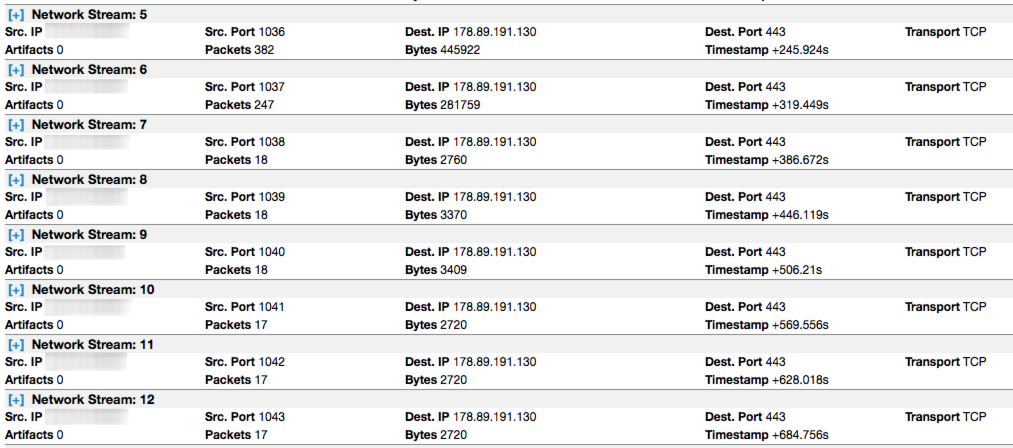
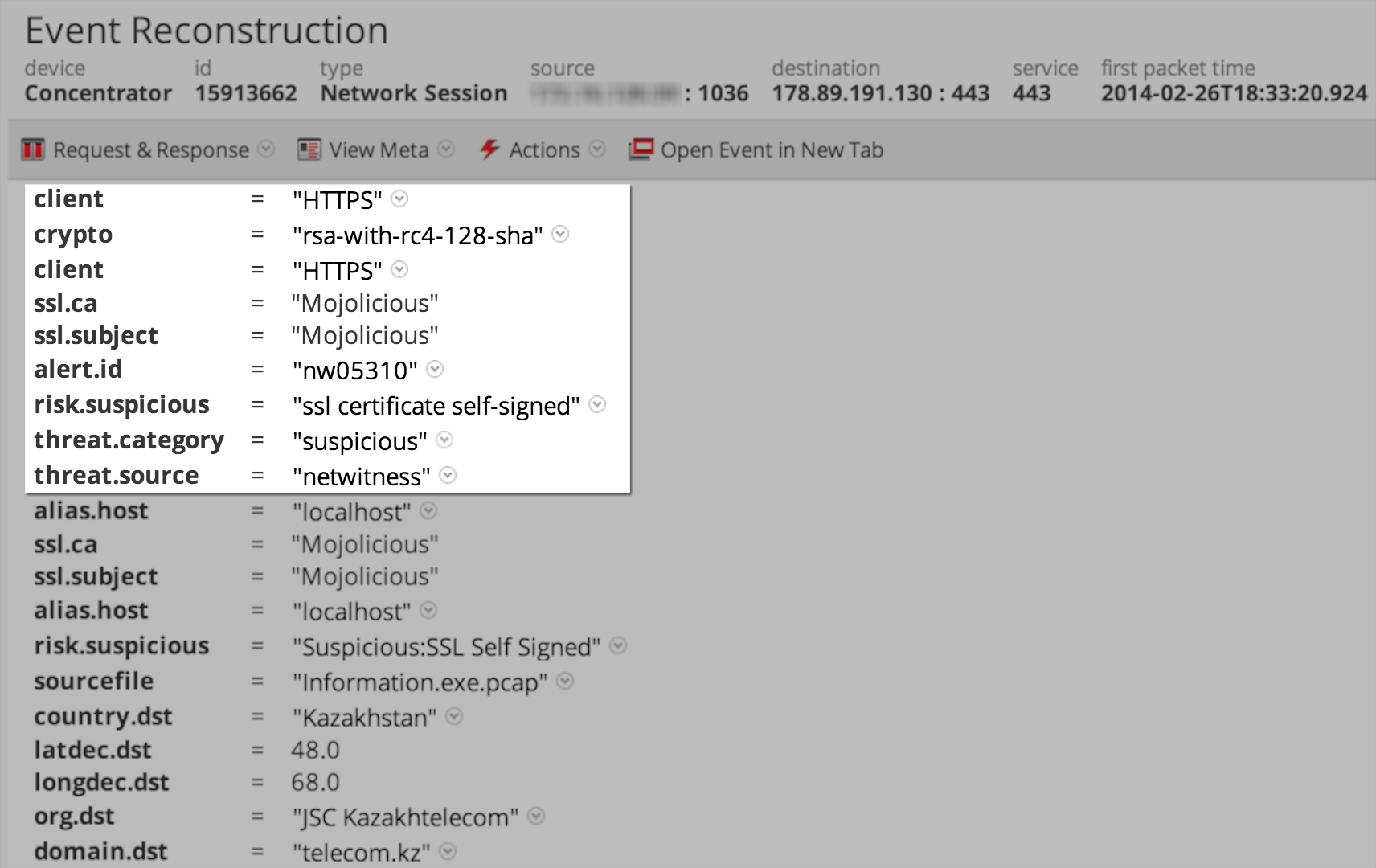
Looking at this traffic in Security Analytics we can see it is using a the self signed certificate for 'Mojolicious'
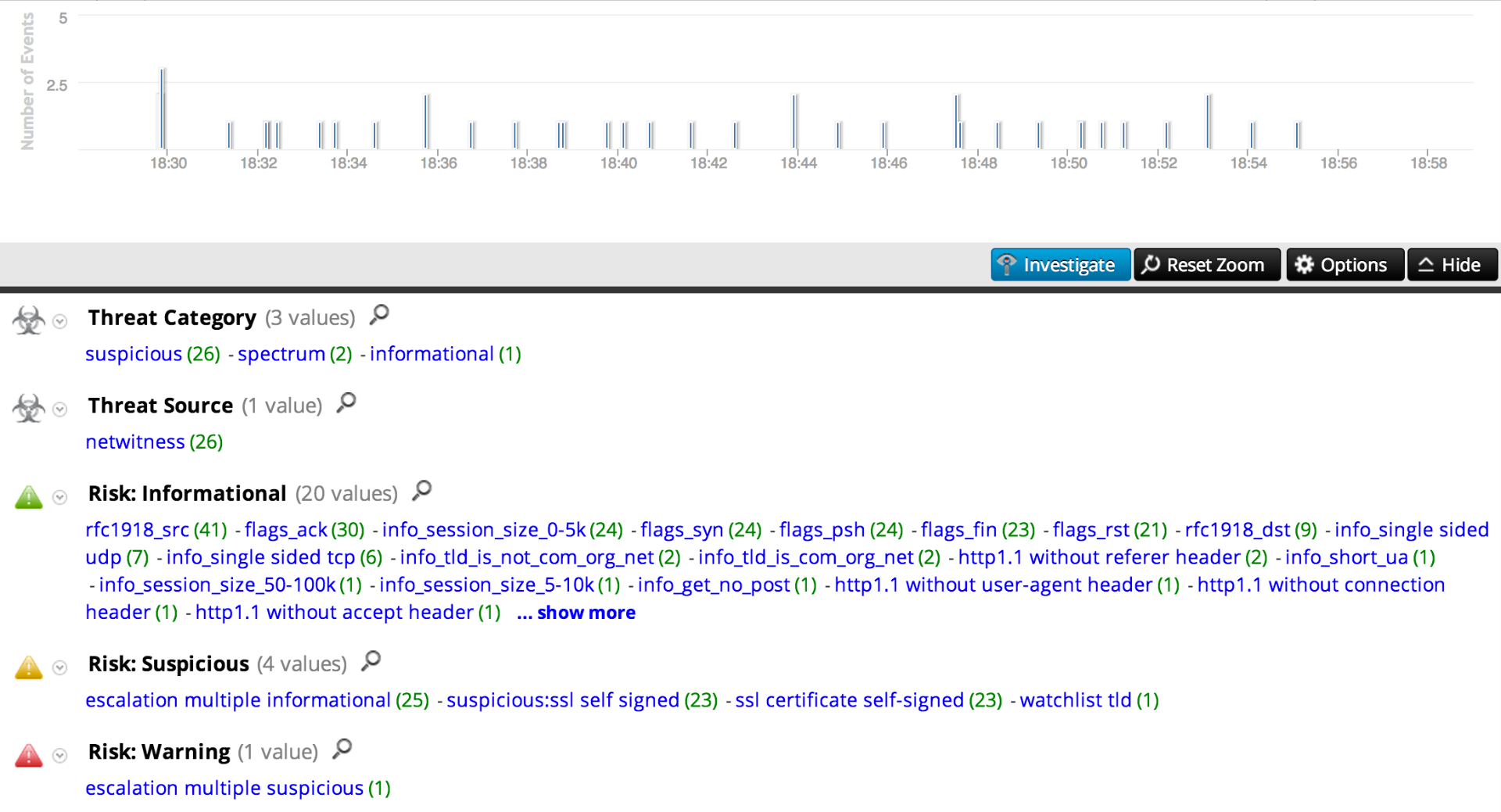
And here is the traffic pattern of the c2 traffic observed in the in Security Analytics Timeline:
When we reached out to Australia Post they informed us they had been tracking similar hostnames to the one used by this threat. Australia Post has published their own updated information on this scam:
Email scam alert Feb 2014 - Australia Post
Current scams, phishing attacks and frauds - Australia Post
It has also been reported that similar / earlier versions of this scam have resulted in the download and installation of CryptoLocker:
Australia Post Parcel Emails Pack Deadly CryptoLocker Virus - Channel News
To hunt for instances of this in your environment look for:
User entered CAPTCHA details on Downloader site:
alias.host = 'aus-post.info' && action = 'post','put'
Command & Control hostname:
alias.host='save-img-serv.ru'
SSL C2 traffic:
risk.suspicious = 'ssl certificate self-signed' && ssl.ca= 'mojolicious'
Destination IP addresses for downloader:
ip.dst = '194.58.42.11'
Destination IP address for C2:
ip.dst = '178.89.191.130'
AS @Fielder would say - Happy Hunting!