Health and Wellness leverages RabbitMQ to be able to collect the actual status of any components of the RSA Netwitness platform. After changing an IP on a component the Health and Wellness keep communicating with the previous IP. To be able to resolve this issue you need to do the following:
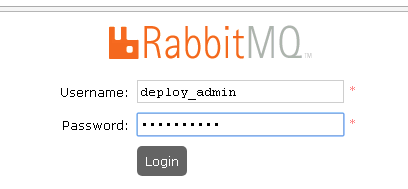
Open your browser and log in to the RabbiMQ Management interface: https://IP_of_your_head_unit:15671
Log in using the deploy_admin account
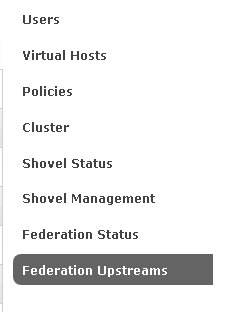
When logged in, go to the Admin Tab

And in the Admin Tab, Select the Federation Upstreams on the right
Identify the wrong upstream and take note of the virtual host, URI, Expires and the Name of this upstream
Create a new upstream and enter the right information for the URI, with the new IP, the Name, the Virtual Host and the Expires:
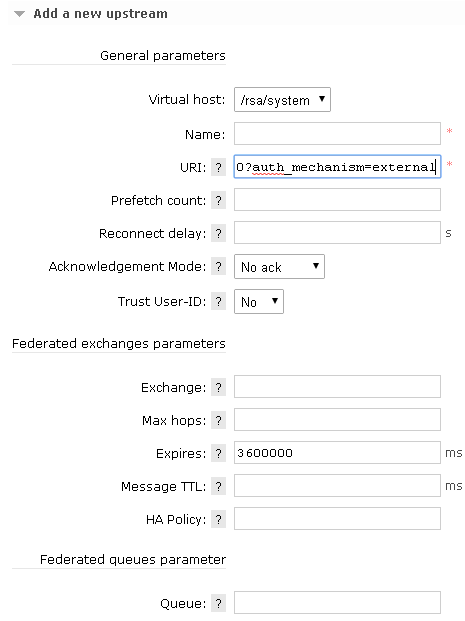
When adding this new upstream, it will match the upstream name and automatically replace the one with the wrong information.
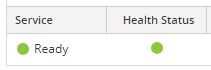
And now the device is in a ready state and the health status changed from RED to GREEN