
This article is aimed to demonstrate the flexibility of the RSA Netwitness solution by showcasing some simple mouse click response activities. The first example demonstrates the disablement of Active Directory Domain User Accounts using just one mouse click. The second example use a similar approach to add domains to a proxy blacklist. All necessary commands, settings and code are provided at the bottom of the article. I hope you will find this useful and if you have any comments or suggestions please let me know.
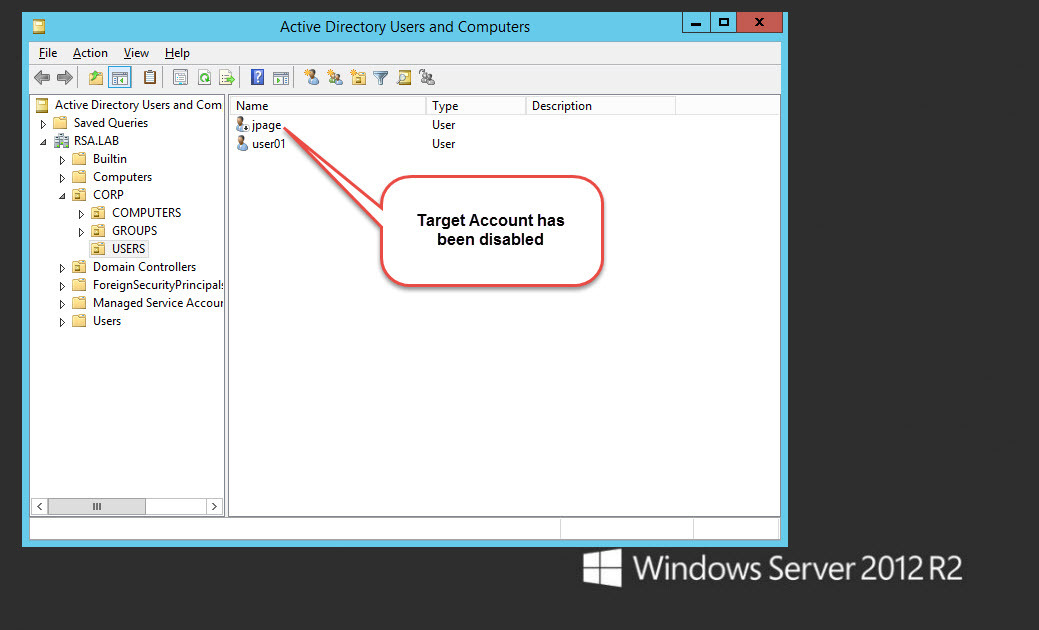
Example 1. Mouse Click Active Directory User Account Disablement
Brief infra overview:
192.168.1.111 – NW Server & Packet Hybrid
192.168.1.119 – NW ESA & Log decoder
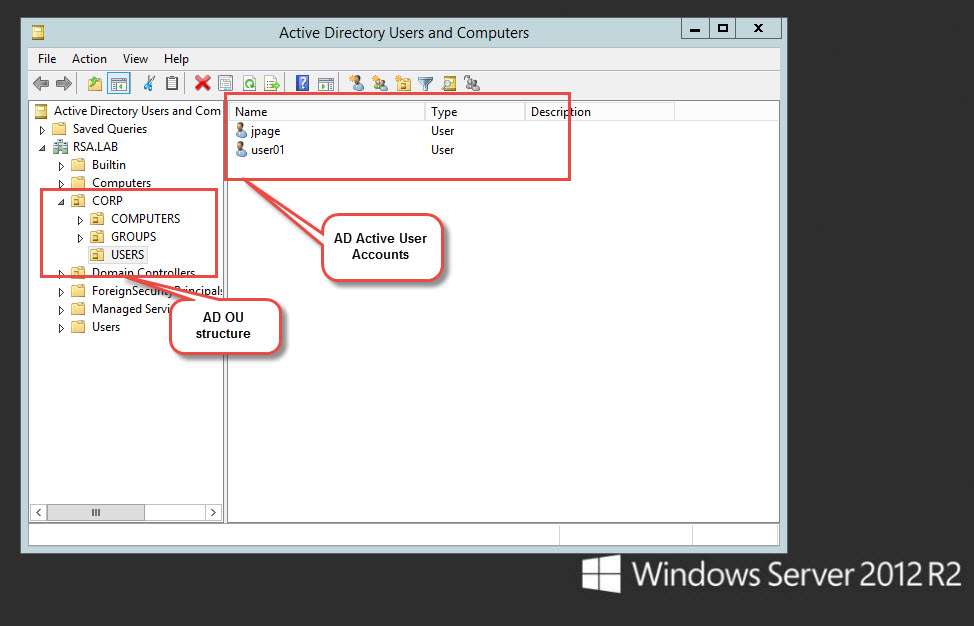
192.168.1.130 – Windows 2012 DC with domain RSA.LAB
192.168.1.131 – Centos Apache, PHP & Squid Proxy installation
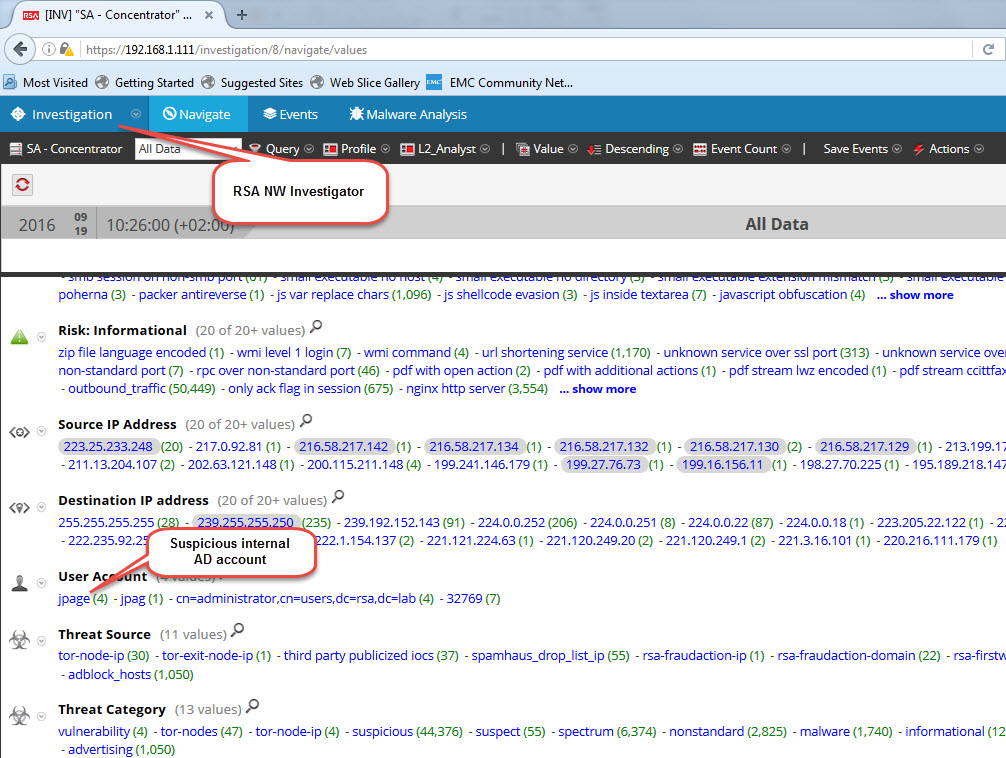
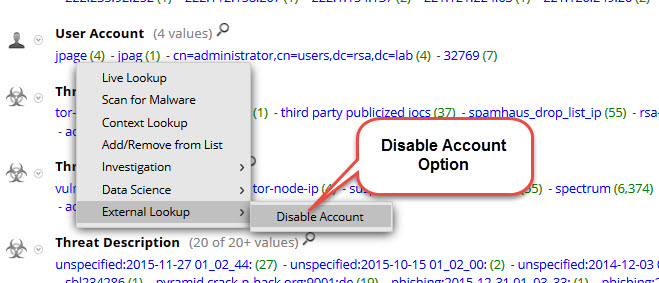
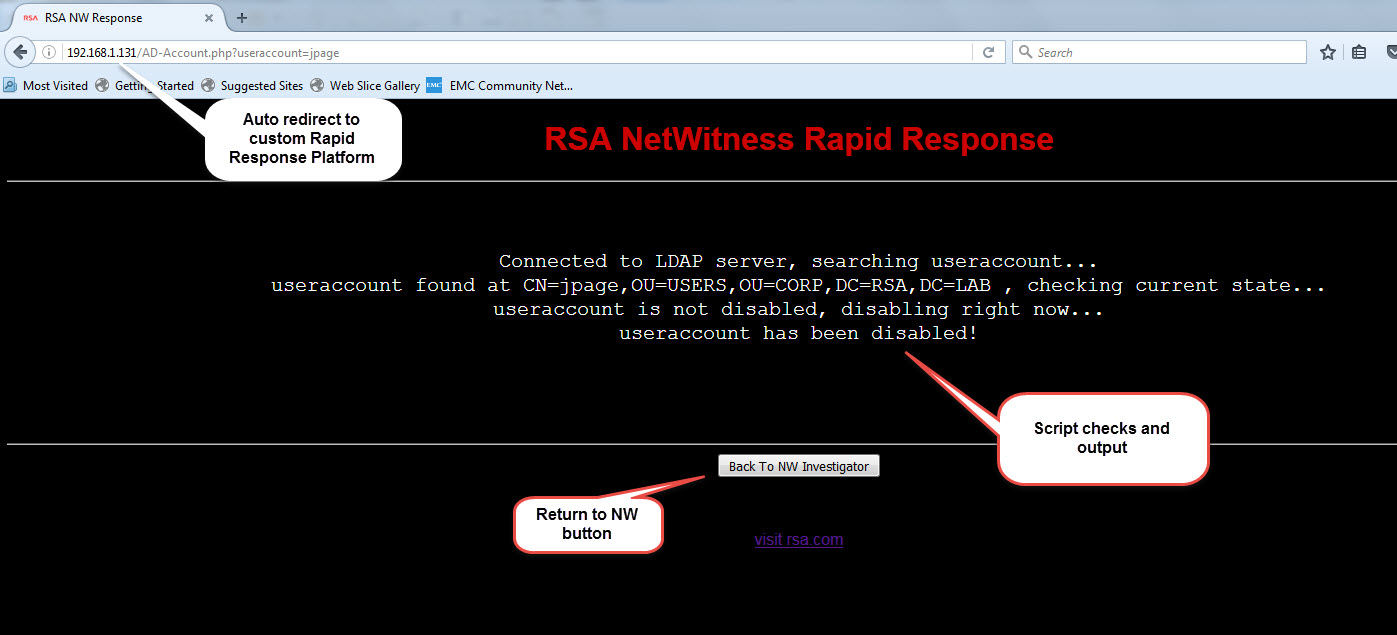
Screenshot overview:
Example 2. Mouse Click Proxy Blacklist Domain Activity
Brief infra overview:
192.168.1.111 – NW Server & Packet Hybrid (RSA internal demo VM)
192.168.1.119 – NW ESA & Log decoder (RSA internal demo VM)
192.168.1.130 – Windows 2012 DC with domain RSA.LAB
192.168.1.131 – Centos Apache, PHP & Squid Proxy installation
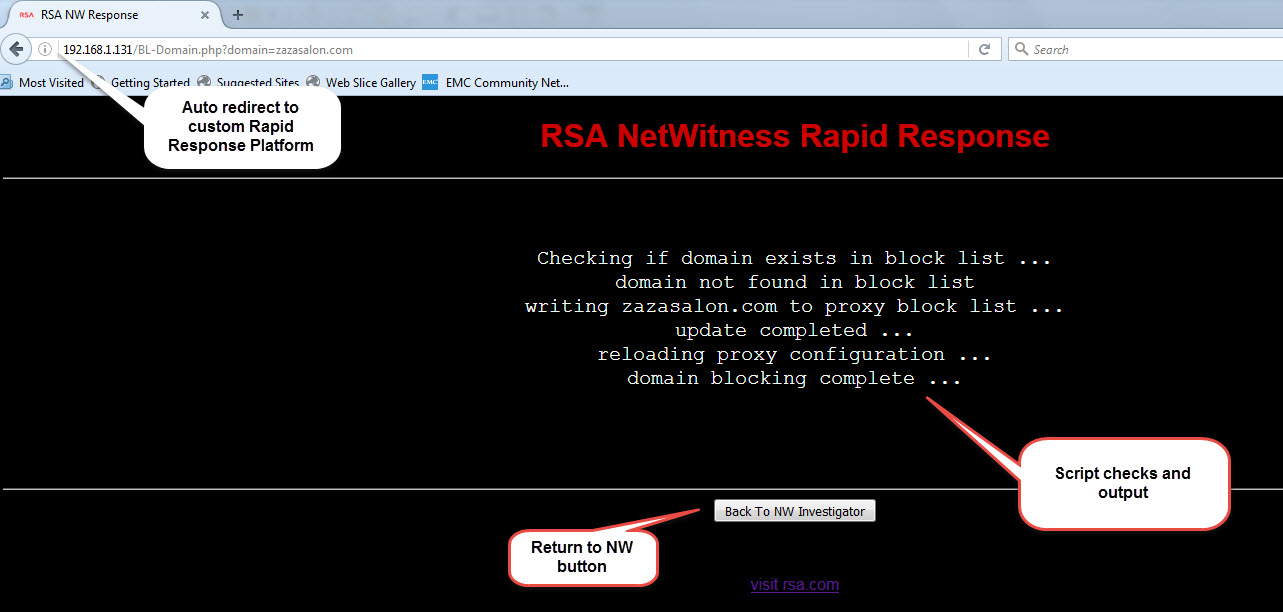
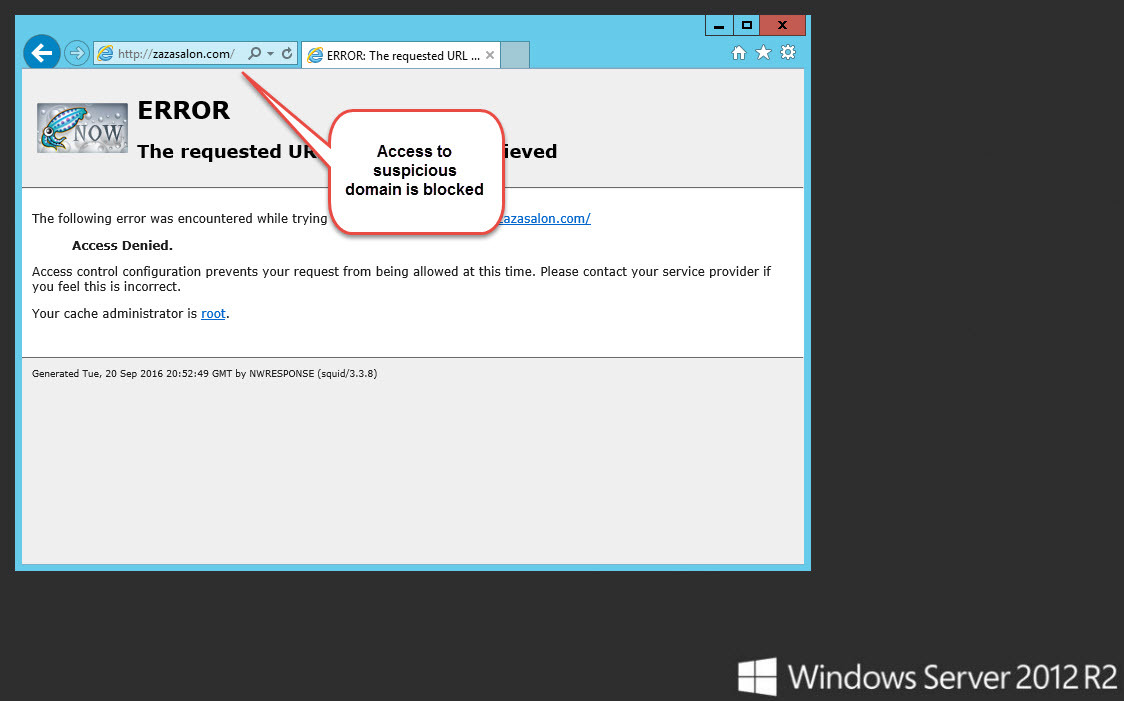
Screenshot overview:
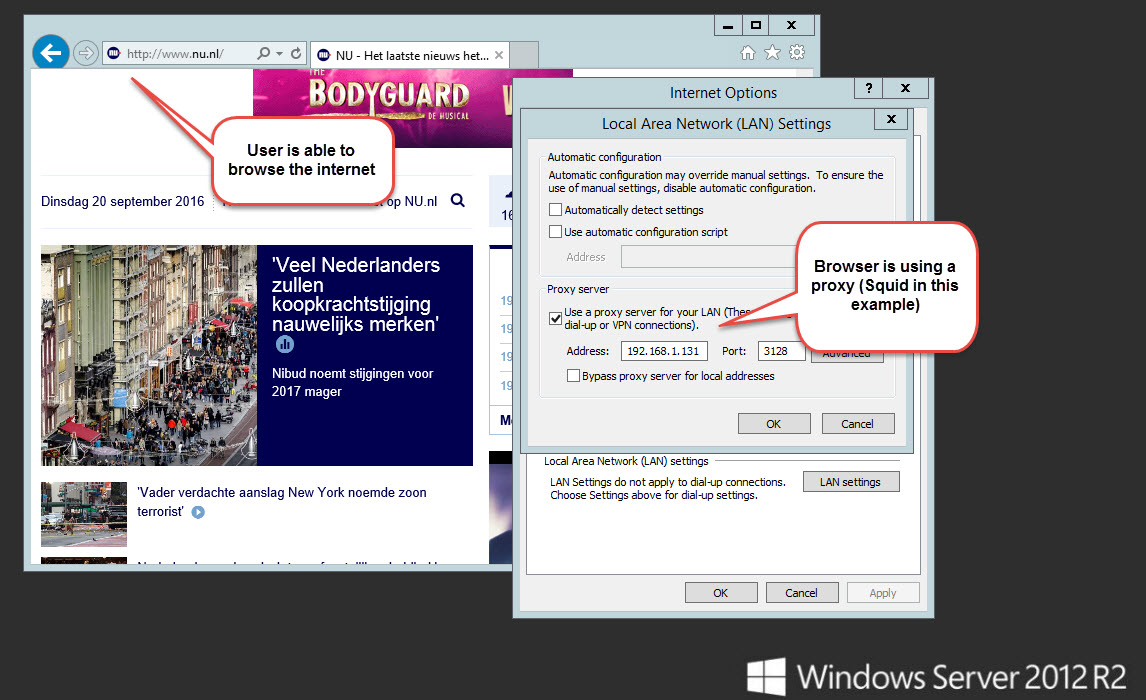
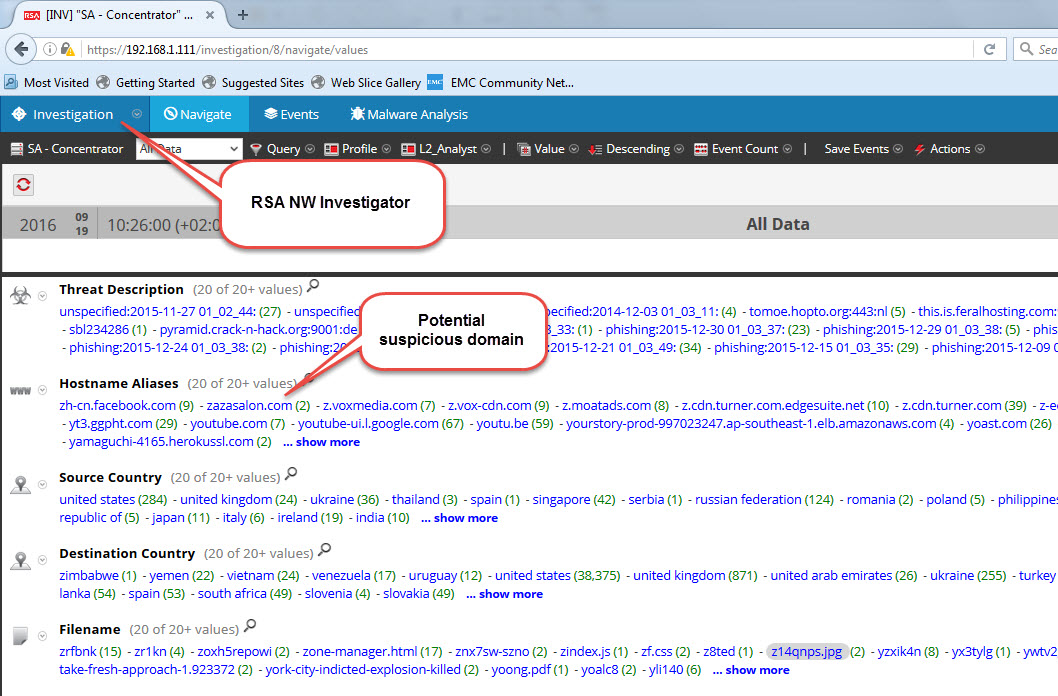
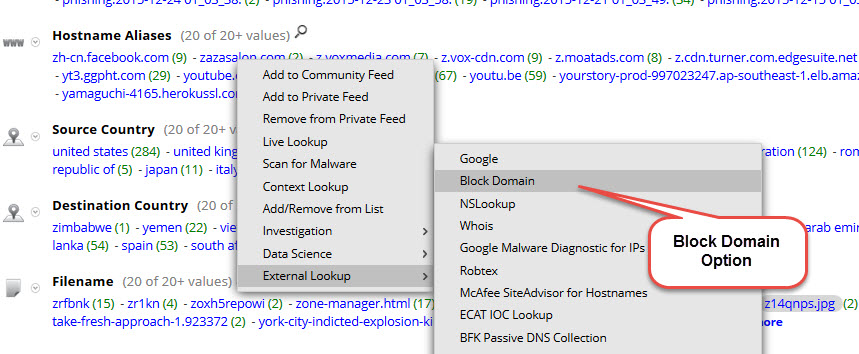
To replicate this setup please follow the steps as described below:
General Requirements, settings & code available in attached NW response actions.7z.zip file
- Download CentOS 7 ISO
- Download Windows 2012 ISO (other windows OS is fine as long you are able to install windows AD & DNS services)
- Follow the instruction in the below order and text files:
- 01-Windows install & config steps.txt
- 02-Centos instal & config steps.txt
- 03-NW Context Menu config steps.txt