.png?width=180&height=32&name=NW%20Logo%20(2).png)
Report View
In the Report view, you can create and manage the report or report groups.
Workflow
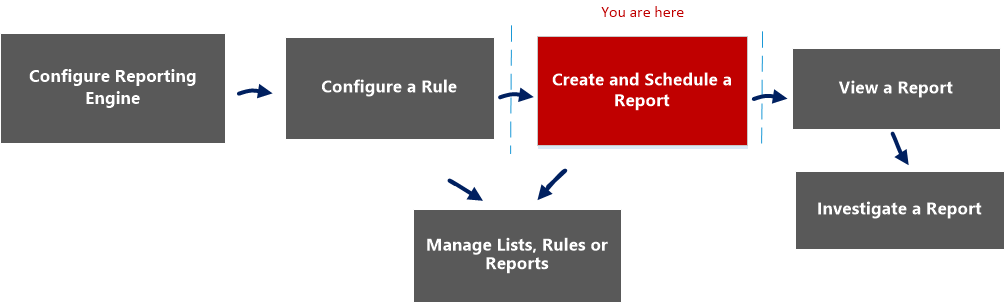
This workflow shows the procedure to create and schedule a report.
What do you want to do?
*You can complete these tasks here.
Related Topics
Quick View
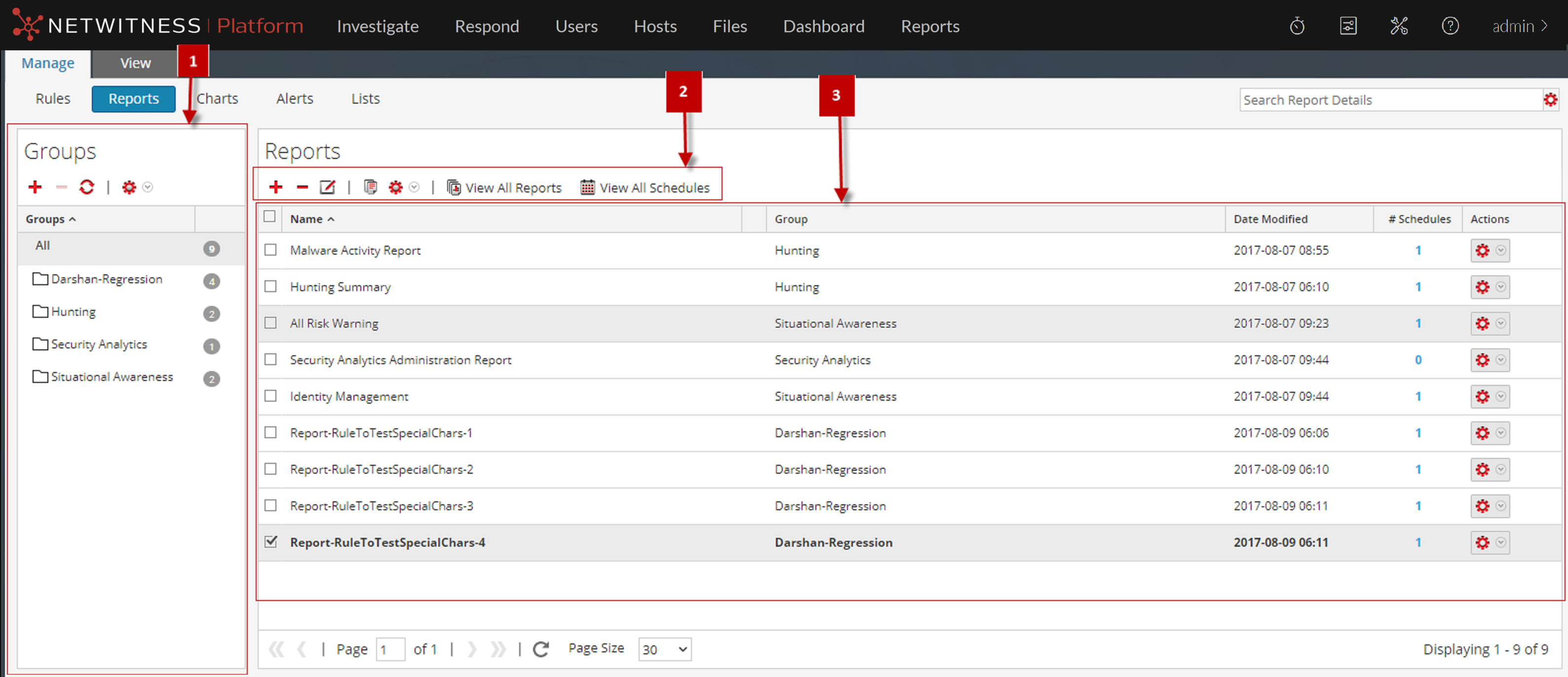
To access this view:
- Go to Reports.
The Manage tab is displayed. - Click Reports.
The Reports view is displayed.
Features
The Report view includes the following sections:
Report Groups Panel
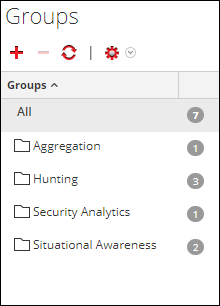
The Report Groups panel allows you to organize reports in a group. You can create a report group, add reports to the group, and move reports among groups. You can view all reports by selecting All option under the Groups column.
Reports Toolbar
The Reports toolbar allows you to add, modify, delete, duplicate, import and export reports. You can also set access permissions for a report in a group.

Report List Panel
The Report List panel lists all the reports in a tabular format.
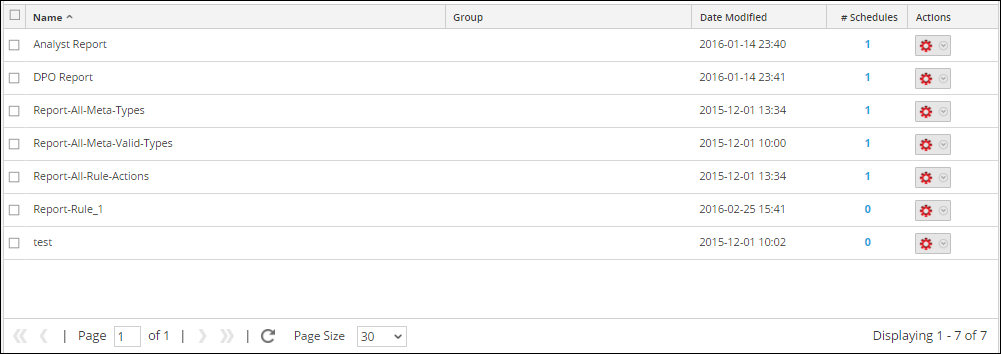
The following table describes the columns in the Report List panel.