.png?width=180&height=32&name=NW%20Logo%20(2).png)
Services Config View - Data Retention Scheduler Tab
The Data Retention Scheduler tab appears in the Services Config view for the Network Decoder, Log Decoder, and Concentrator.
In the Data Retention Scheduler tab, you can define the criteria for removing database records from primary storage on Network Decoder, Log Decoder, and Concentrator services, and schedule the timing for checking the threshold.
Note: If additional customization is necessary, use the Scheduler under the Files tab in the Services Config view. For example, if you have storage available to save the RAW data versus the metadata, use Capacity as the threshold and to set different thresholds per database (metadata versus packet).
Workflow
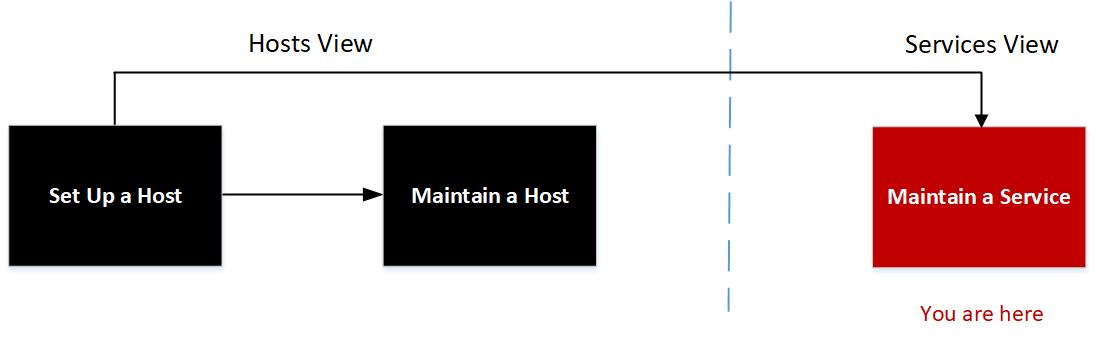
What do you want to do?
Related Topics
- Services Config View - Appliance Service Configuration Tab
- Services Config View - Files Tab
- Services Config View
Quick Look
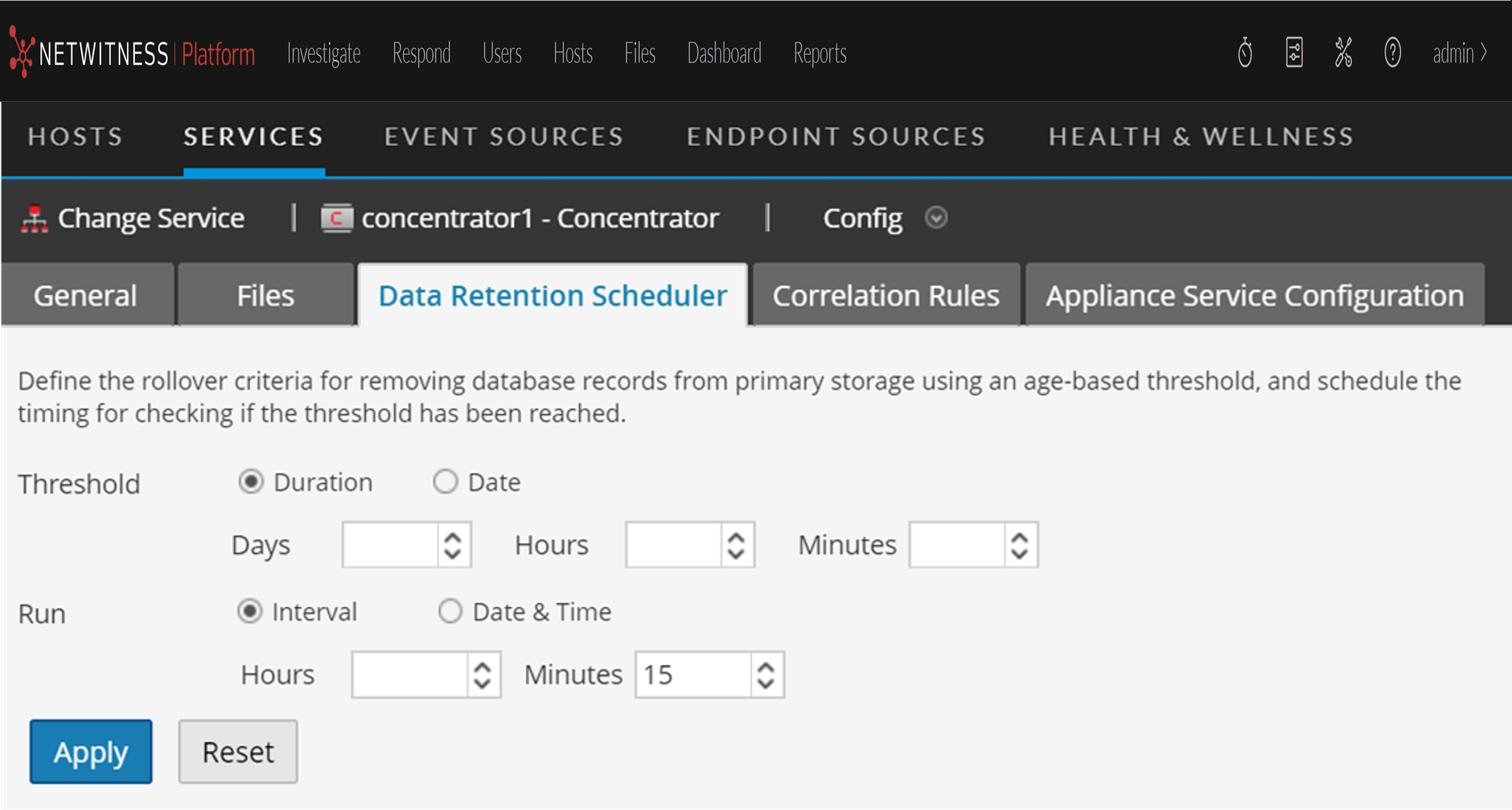
The following figure illustrates the parameters in the Data Retention Scheduler tab for a Concentrator.
The Data Retention Scheduler tab has sections to specify Threshold settings and Run settings. The following table lists the parameters supported for data retention configuration.