.png?width=180&height=32&name=NW%20Logo%20(2).png)
Discovery Tab
To access the Discovery tab, go to NetWitness  (Admin) > Event Sources. The Discovery tab is displayed.
The Discovery tab lets you review the event source types that NetWitness has discovered for each address and the system’s confidence of how likely it is that they were identified completely accurately. If the discovered event source types are correct, you can acknowledge to filter out that event source. If incorrect, you can set the allowed event source types for a particular address so that future logs will parse against the correct parsers.
NetWitness automatically maps incoming events to a type based on previous logs received from that address, reducing the mis-parsing of messages and reducing the number of items that need attention in the Discovery workflow. A value of Auto in the Mapping Type column indicates that an address has been auto-mapped.
Workflow
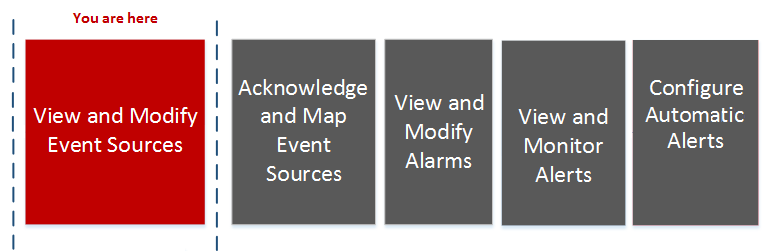
This workflow shows the overall process for configuring event sources.
What do you want to do?
*You can perform this task here.
Related Topics
Quick Look
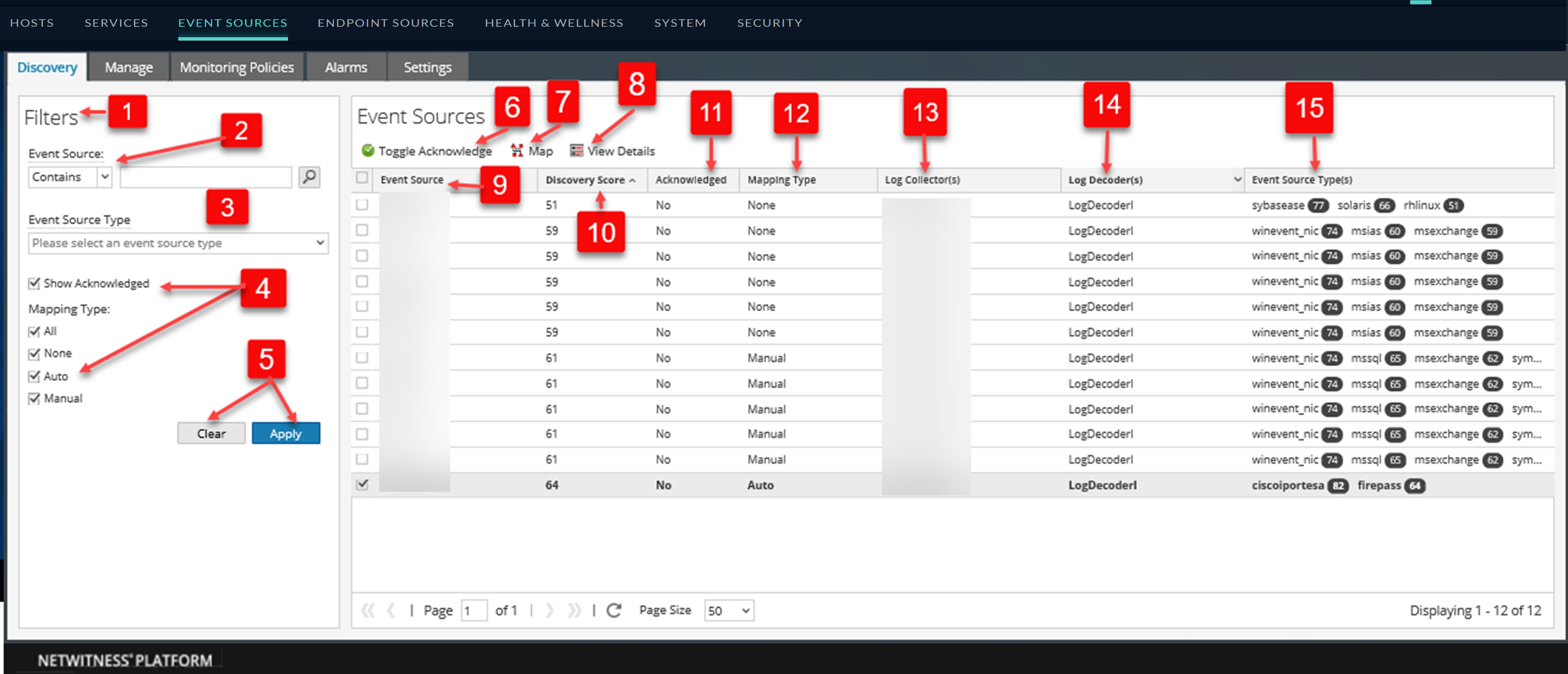
The following example displays a list of addresses and their discovered Event Source types. The Event Source types display the Event Sources that have been discovered.
This is an example of the tab.
Toolbar and Features
The Discovery tab contains the following features:
The following table describes the sorting order for discovery scores. To access the Sorting Order drop-down menu, click on the down arrow in the Event Sources column.