.png?width=180&height=32&name=NW%20Logo%20(2).png)
Correlation Rules TabCorrelation Rules Tab
The Correlation Rules tab (  (Admin) > select a service and click
  > View > Config > Correlation Rules tab) enables you to manage correlation rules. Basic correlation rules are applied at the session level and alert the user to specific activities that may be occurring in their environment. NetWitness applies correlation rules over a configurable sliding time window.
What do you want to do?
Related Topics
Quick Look
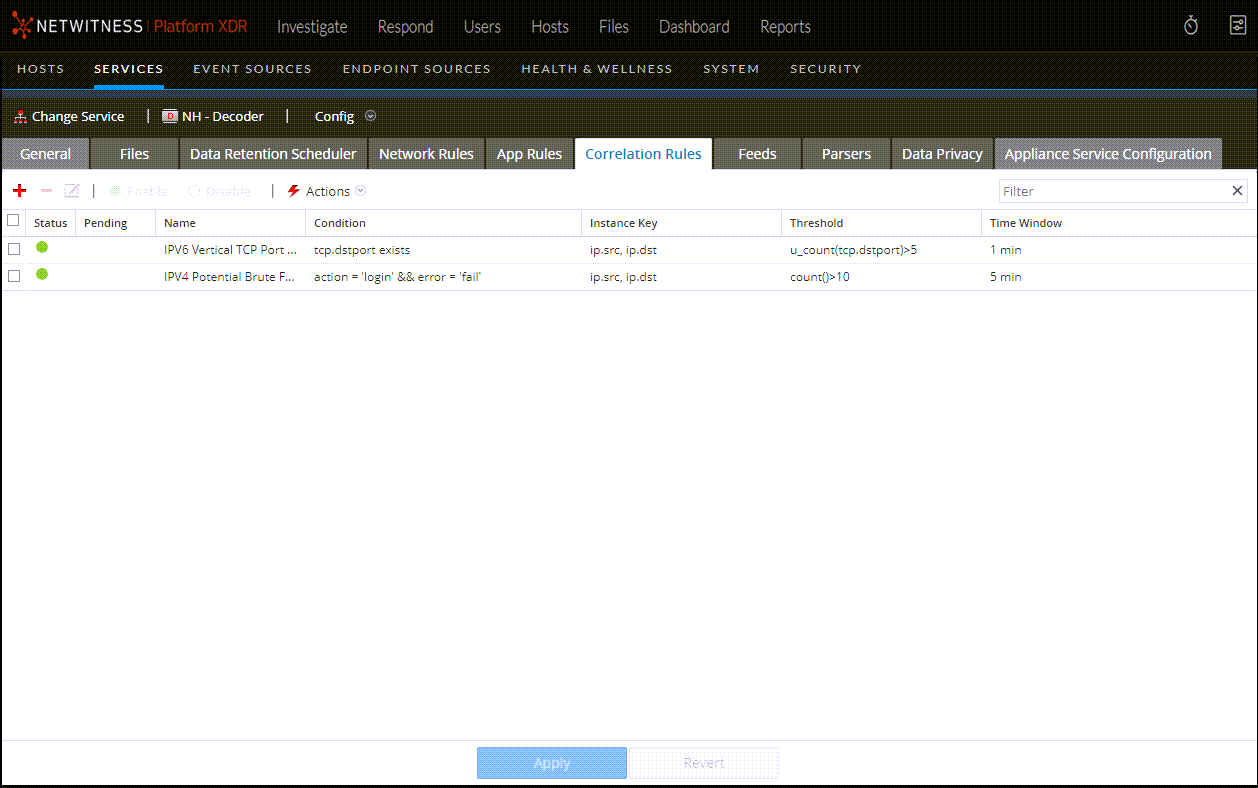
The following figure shows the Correlation Rules tab.
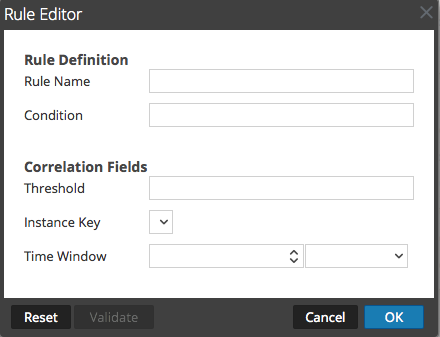
The following figure shows the Rule Editor dialog for a correlation rule.
The following table describes the Correlation Rules tab columns.
The Rule Editor dialog provides the fields and options needed to define a network rule. The fields correspond exactly to the grid columns.