.png?width=180&height=32&name=NW%20Logo%20(2).png)
Data Export TabData Export Tab
The Data Export tab (Admin > Services > select a Decoder or Log Decoder and click  > View > Config > Data Export tab) exports meta data and raw logs from the Decoder or Log Decoder and converts it to Logstash JSON object by configuring the export connector through Logstash.
Prerequisites
Make sure you have log collector service to configure Logstash in the UI.
What do you want to do?
Related Topics
Quick Look
The following figure shows an Data Export tab.
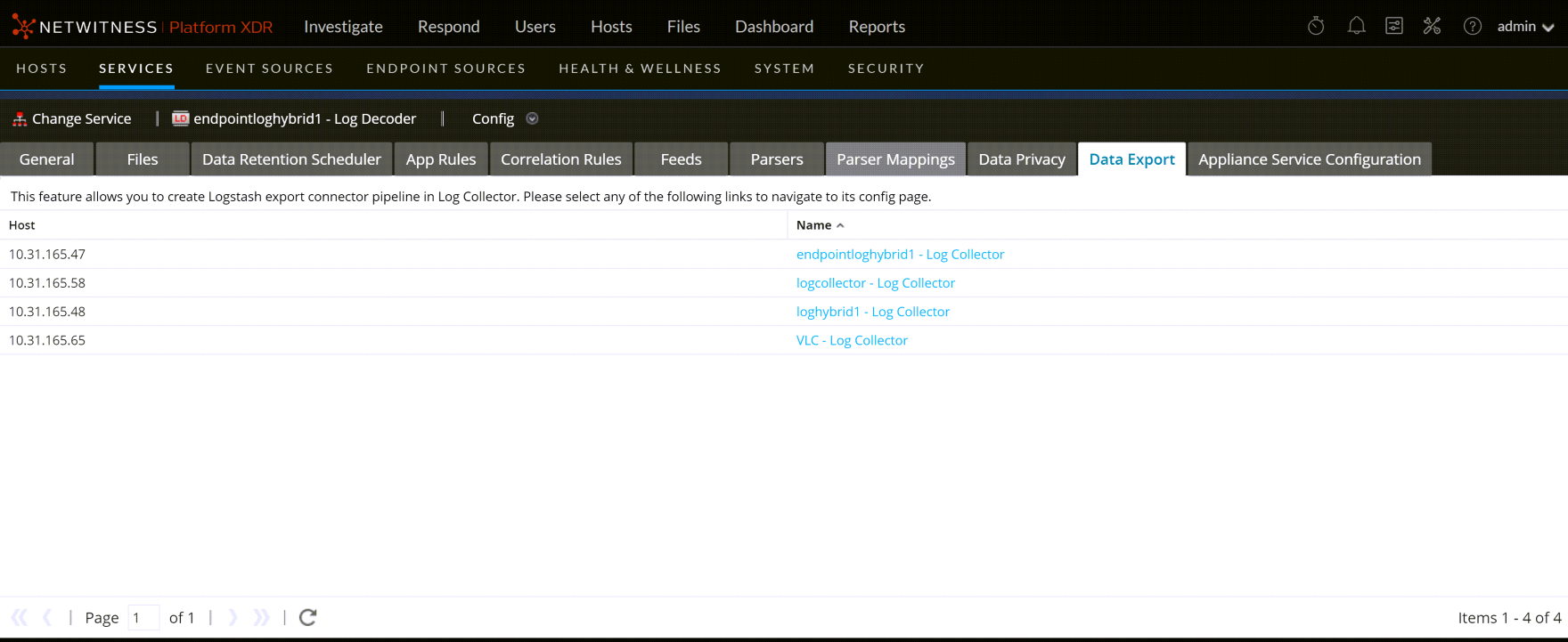
The data export list displays all the Log Collectors in your deployment.