.png?width=180&height=32&name=NW%20Logo%20(2).png)
Services Security View - Settings TabServices Security View - Settings Tab
In the Services Security view Settings tab, Administrators can enable and configure system roles that define permissions on a per meta key basis for individual Brokers, Concentrators, Network Decoders, and Log Decoders. Configuring this feature adds configurable meta keys to the Services Security view > Roles tab so that individual meta keys can be applied to specific roles on a specific service. The following figure illustrates this.
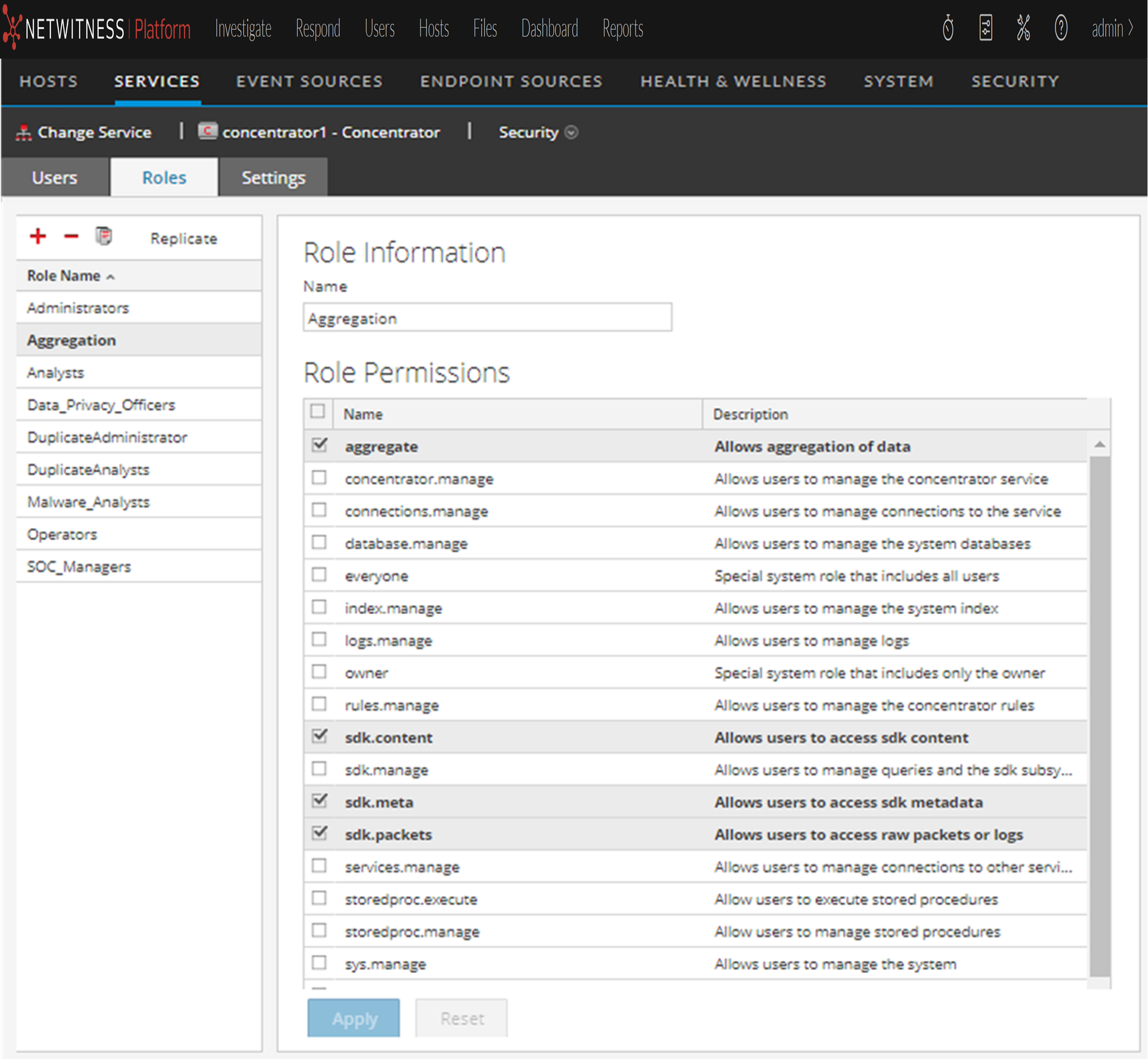
This configuration is generally part of a data privacy plan implemented to ensure that specific types of content consumed or aggregated by a service are kept secure by limiting visibility of the metadata and content to privileged users. See the Data Privacy Management Guide for more information.
Workflow
What do you want to do?
* You can perform these tasks in the current view.
Related Topics
Quick Look
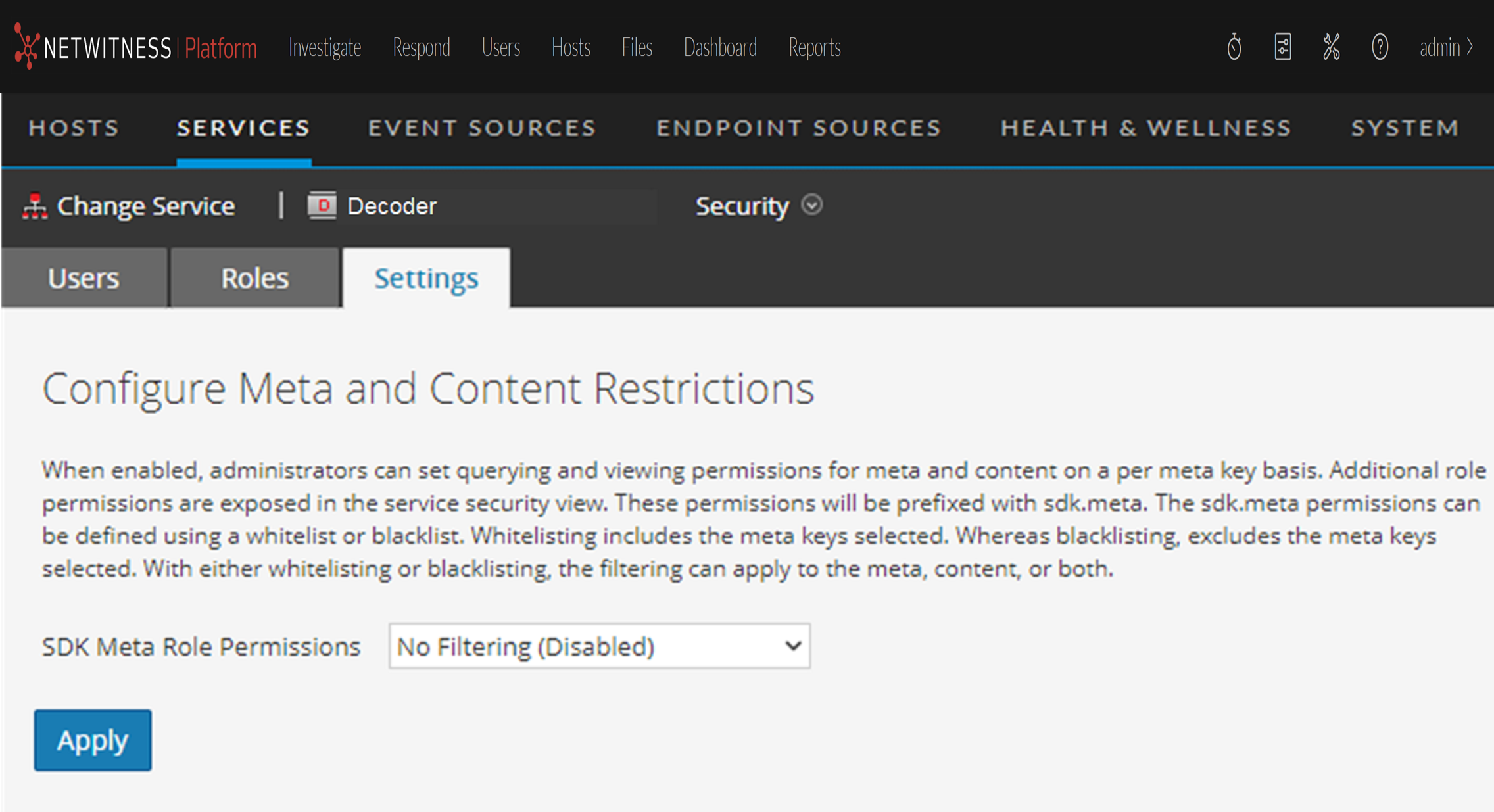
The Settings tab includes two features.
SDK Meta Role Permissions Options
The following table lists the filtering options available in the SDK Meta Role Permissions selection list, and the numeric values used to disable (0) and the types of filtering (1 through 6).
Note: There is no need to know the numeric value unless configuring metadata and content visibility manually in the system.roles node.