.png?width=180&height=32&name=NW%20Logo%20(2).png)
View All Reports View
In the View All Reports view, you can display, print, save and email reports.
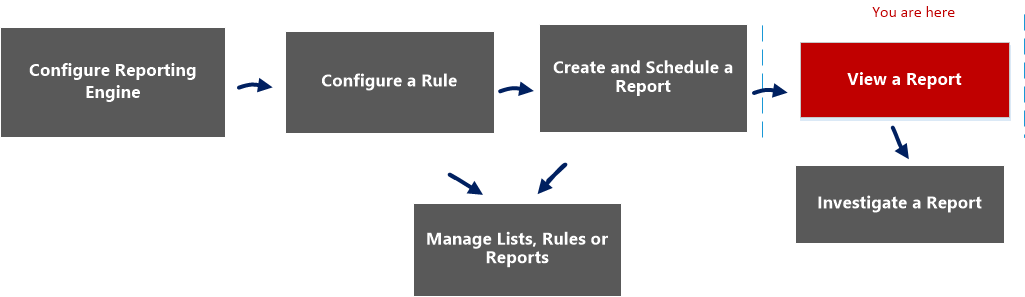
Workflow
This workflow shows the procedure view a report or list of all reports.
What do you want to do?
*You can complete these tasks here.
Related Topics
- Configure and Generate a Report
- Build Report View
- Import Report Dialog
- Scheduled Reports View
- Reports Permissions Dialog
- View a Report Panel
- Report View
Quick View
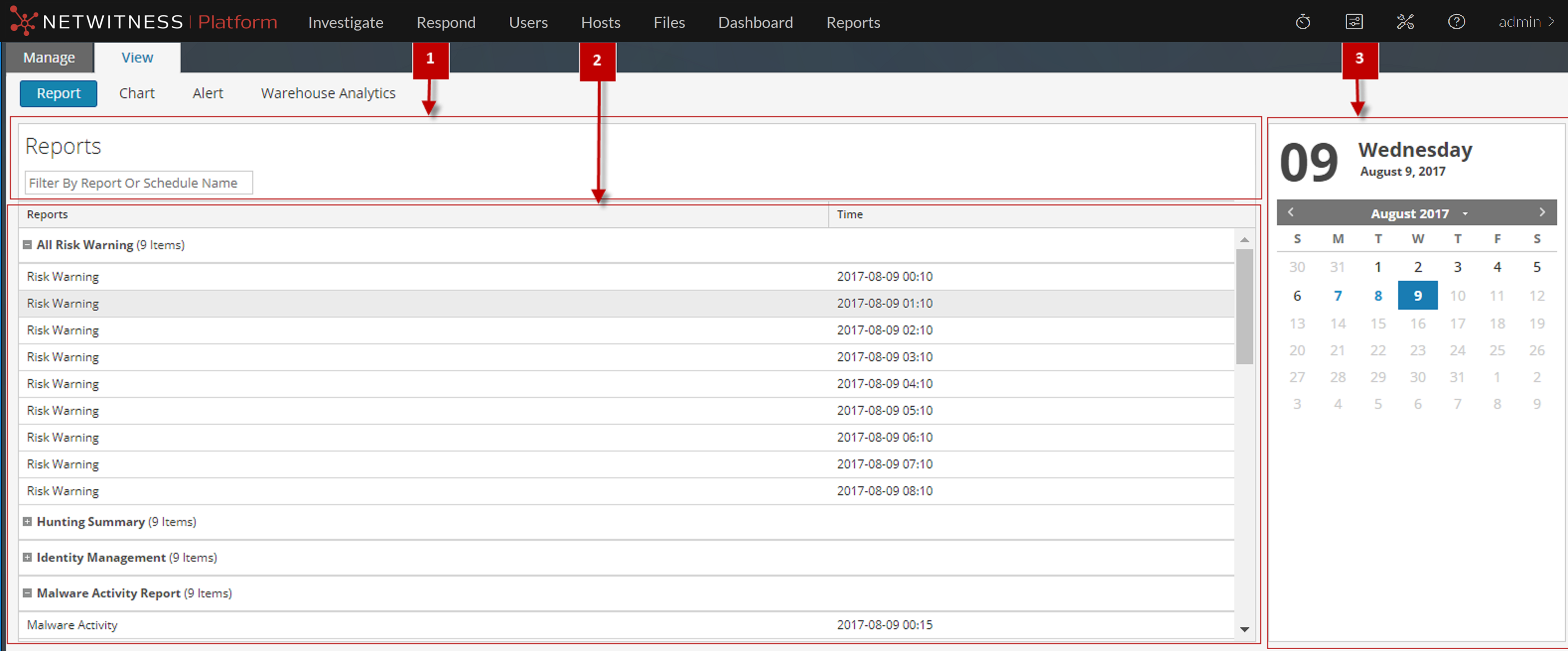
To access this view:
- Go to Reports.
The Manage tab is displayed. - Click Reports.
The Report view is displayed. - In the Reports panel, click View All Reports.
The Reports panel is displayed, clicking on any of the reports listed allows you to view the report.
Features
The View All Reports panel has the following features.
Reports Toolbar
The following table lists the options in the View All Reports toolbar:
Reports Output Panel
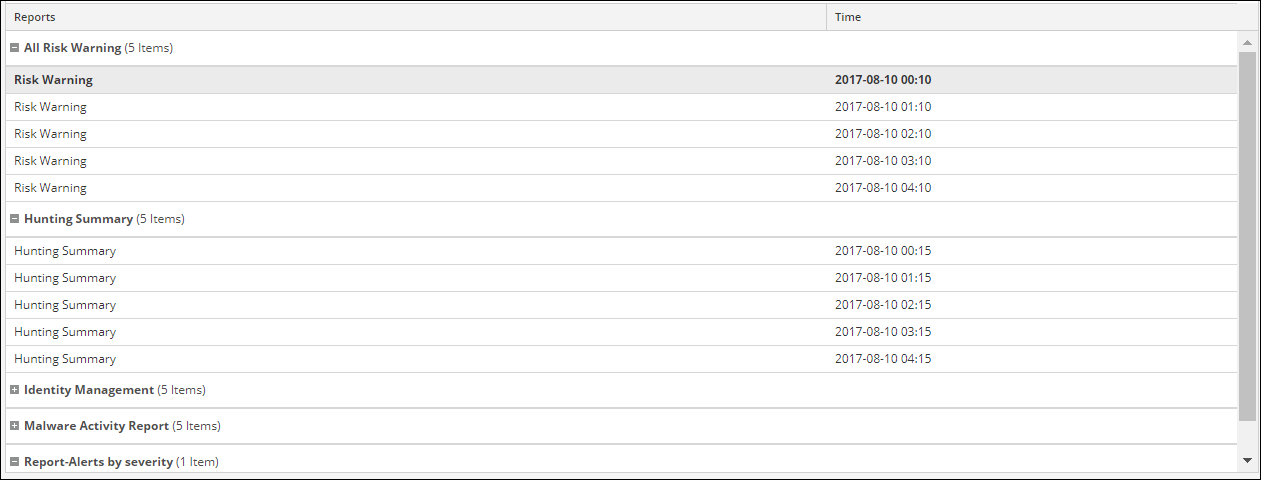
The Reports Output panel displays the report with the report schedule name and report generated time.
Reports Calendar View
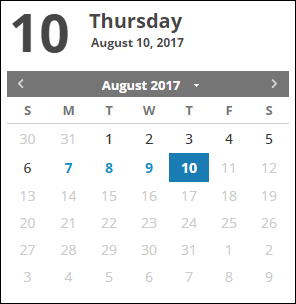
The Reports Calendar view is used to select a date from the Calendar. Based on the date you select, the list of successfully run reports for the date is displayed.